
A free CV maker? Honestly explained
Search for a free CV maker and you'll find plenty of sites that promise free and then ask for money when you download, sometimes through a subscription. We'd rather tell you up front: with theCVrocket, building and previewing your CV is free, and so are all the tools in the builder. Downloading costs a one-off €4.95. Below you can read exactly what you can do for free, why downloading costs money and which genuinely free alternatives there are.
What's free with theCVrocket?
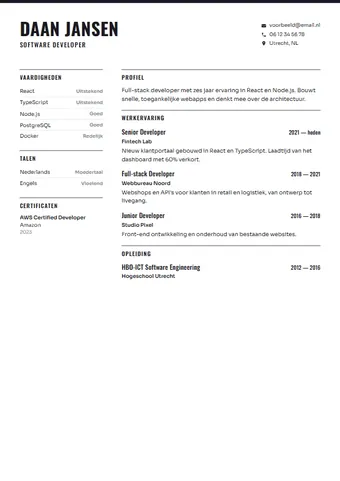
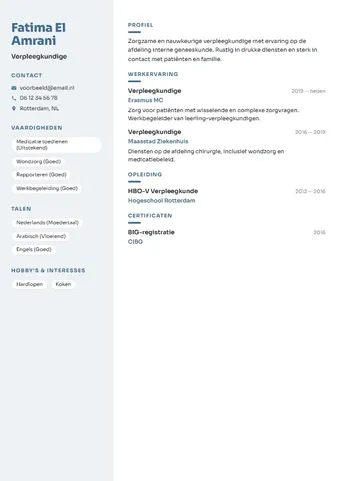
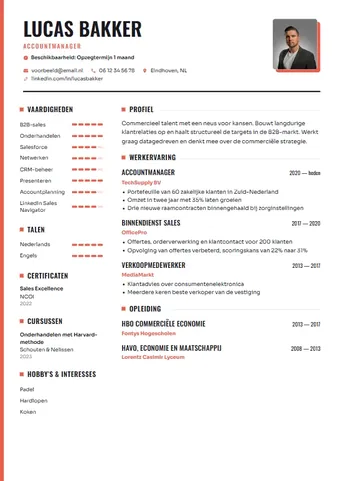
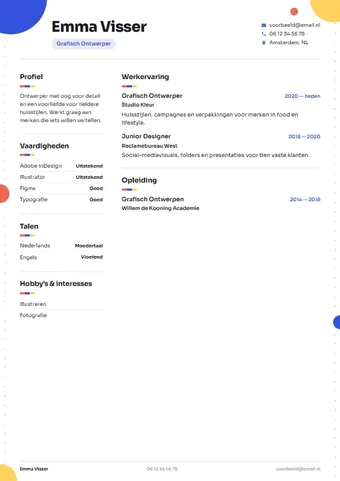
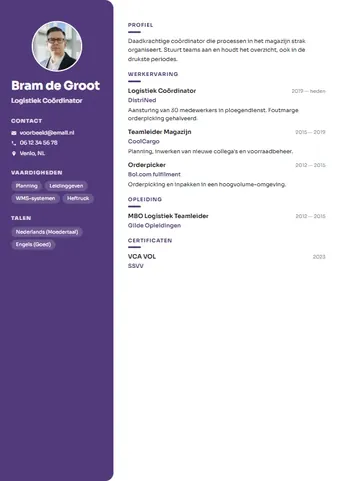
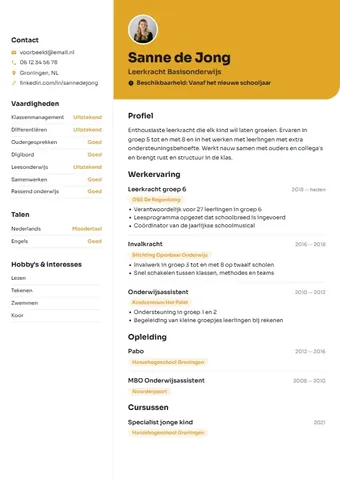
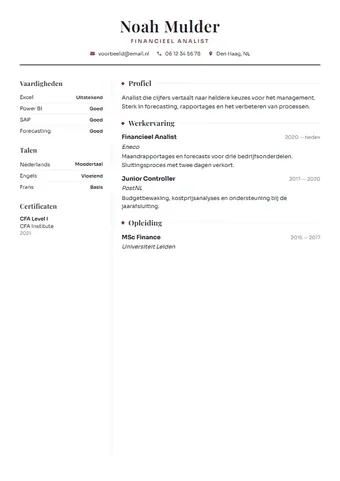
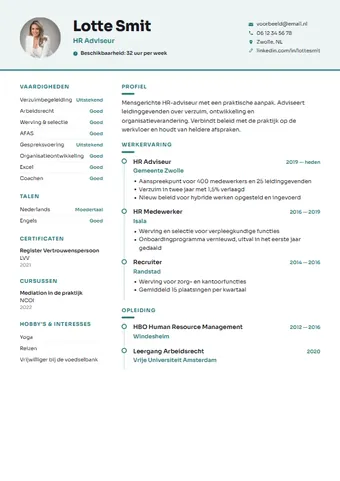
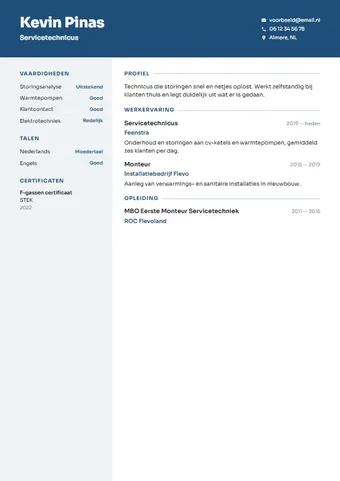
You can build your whole CV without an account and without entering payment details. Everything you type stays in your own browser, and you see your CV straight away in a live preview. You can also use all the tools before you pay anything:
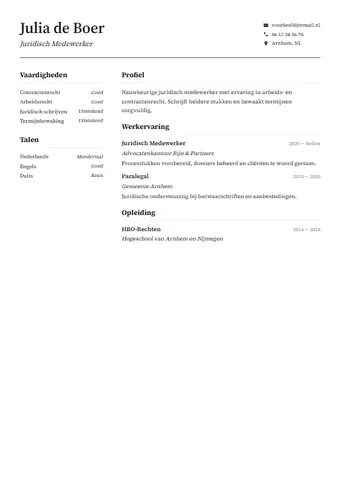
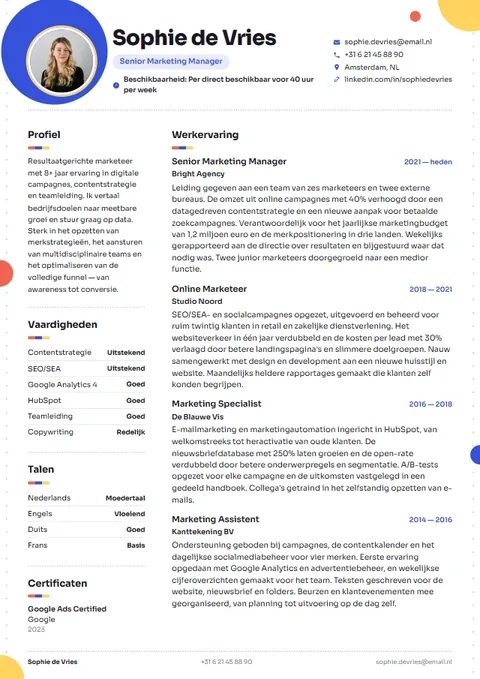
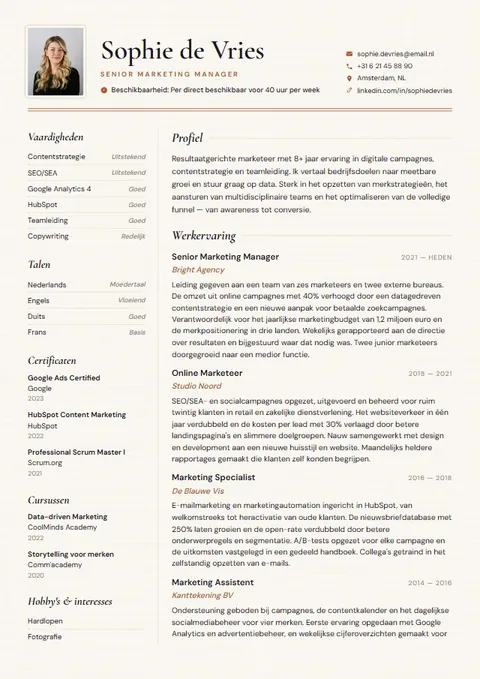
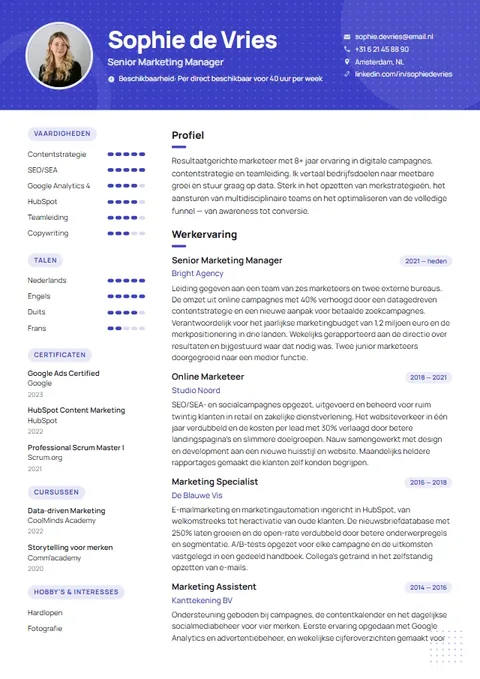
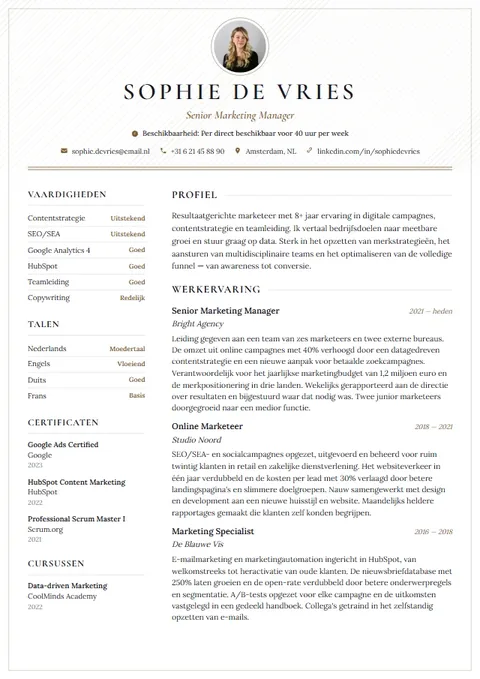
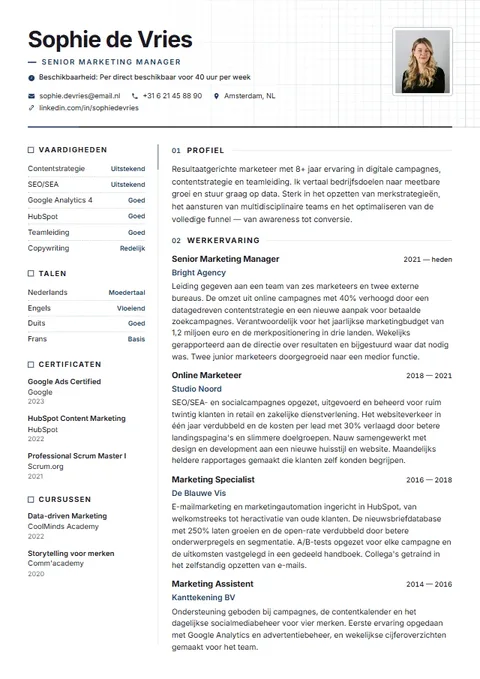
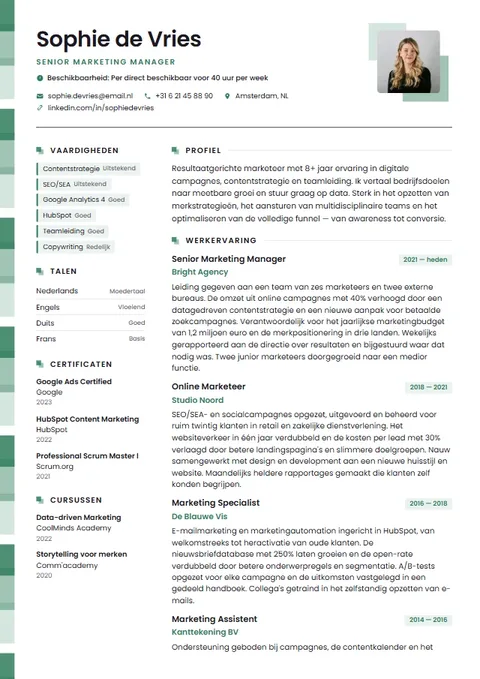
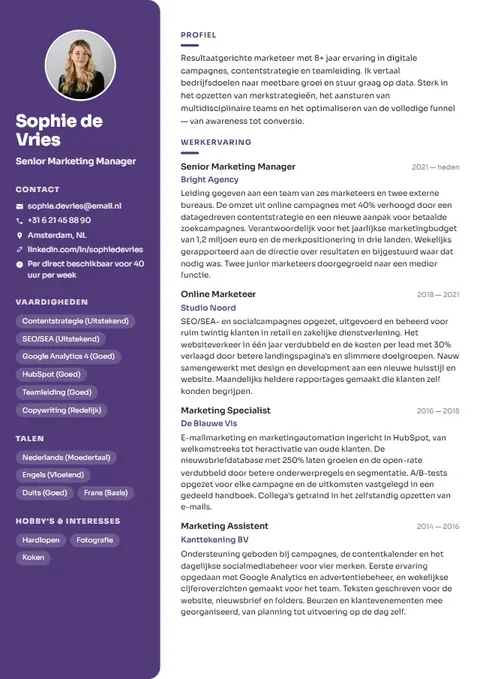
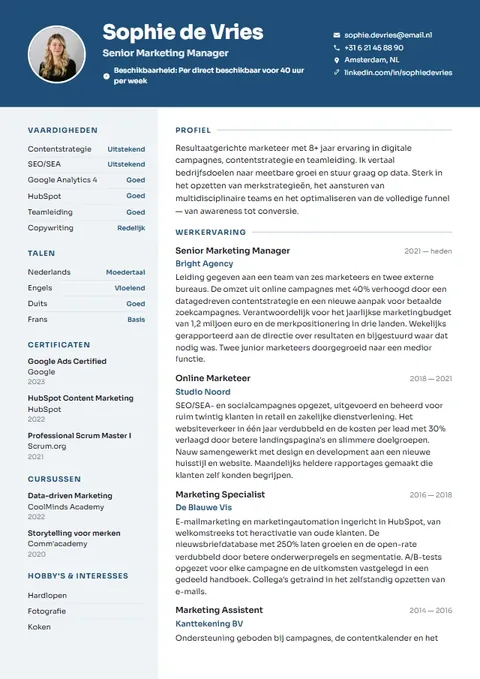
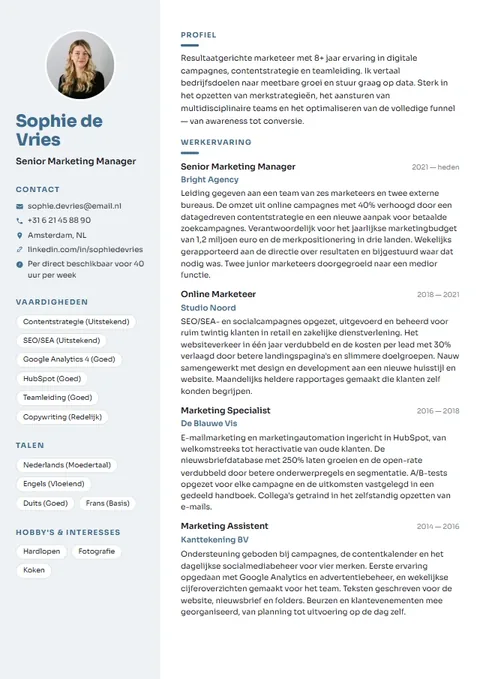
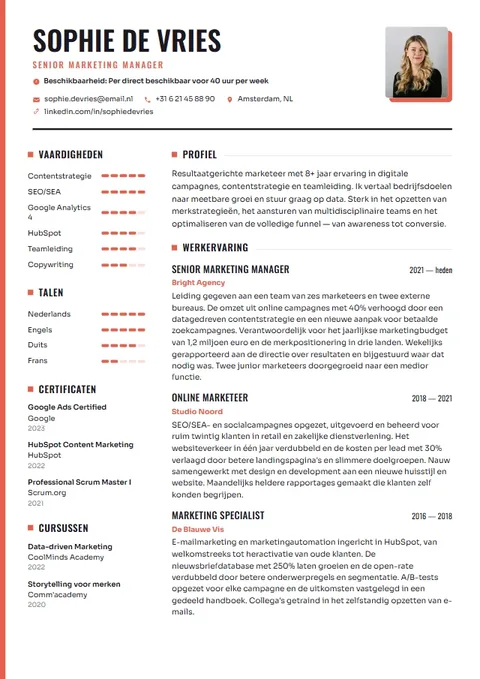
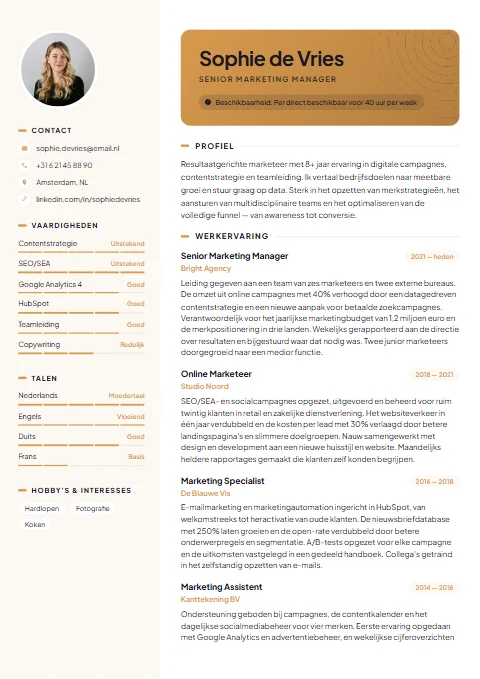
- All twenty-one templates, with your own colour and font.
- Importing your old CV as PDF or Word, or by pasting the text.
- AI writing help for your profile, work experience and cover letter.
- Example text and example sentences for many jobs.
- The CV score with suggestions, the ATS view and the job match check.
- Tailoring your CV to a job ad and creating practice interview questions.
- Saving several versions of your CV and keeping track of where you've applied.
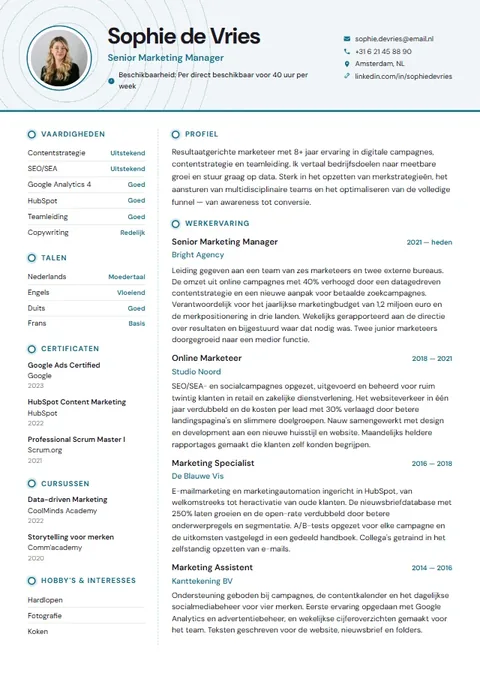
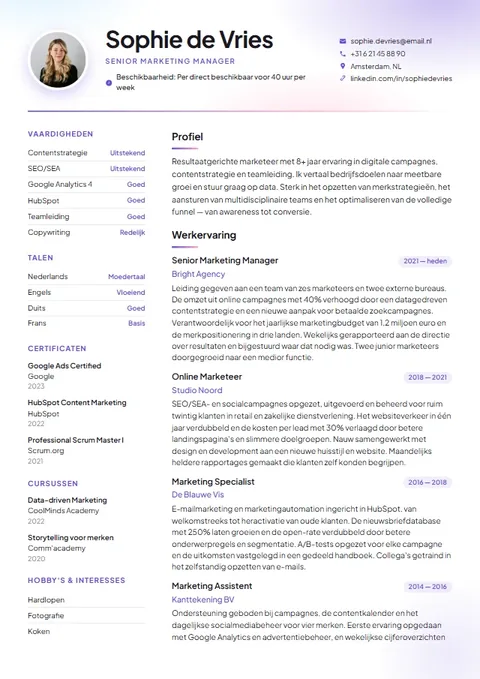
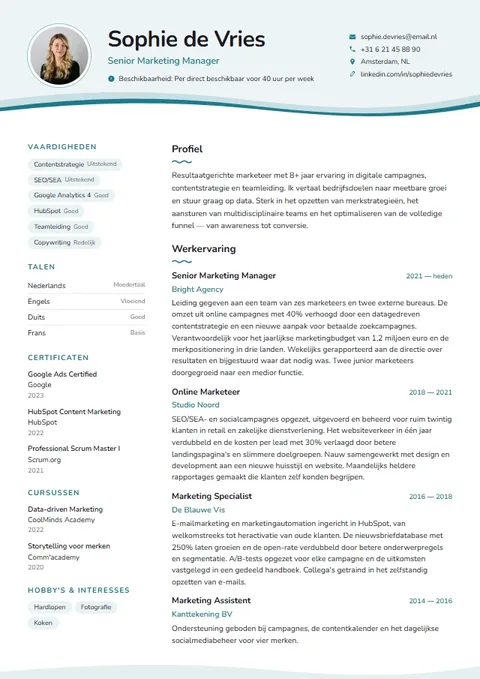
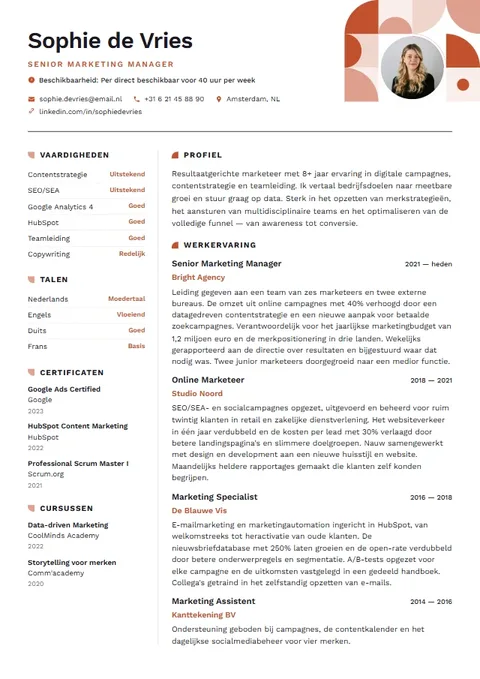
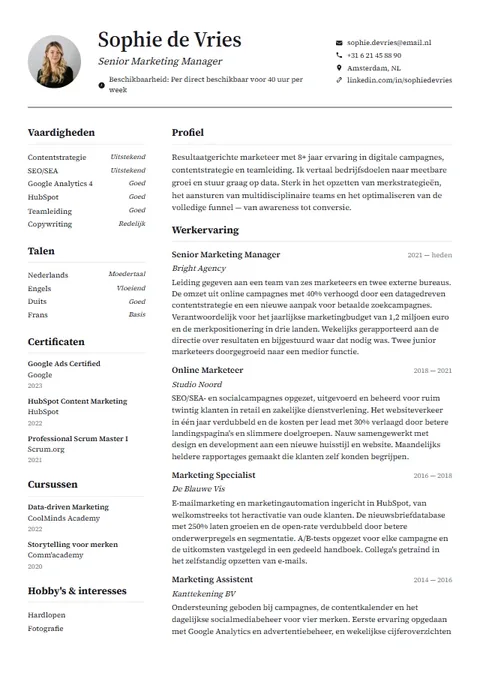
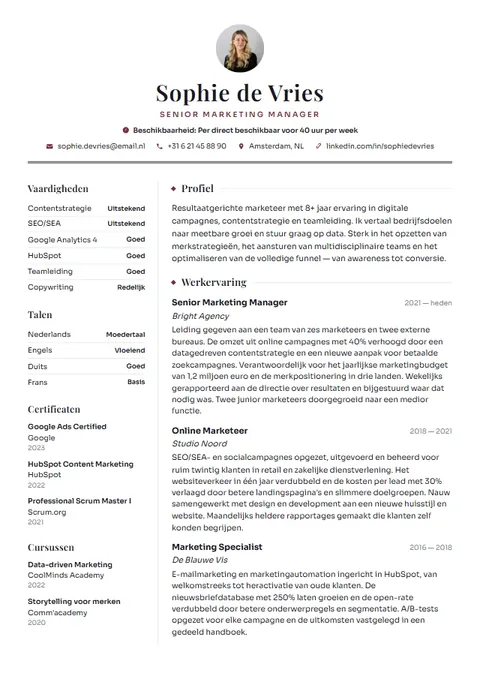
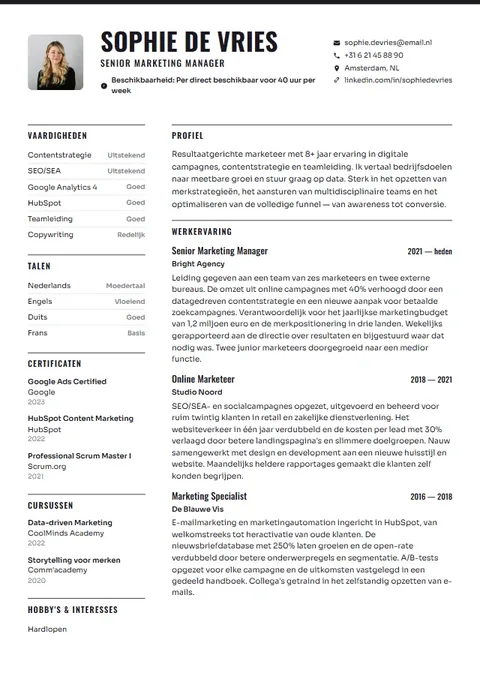
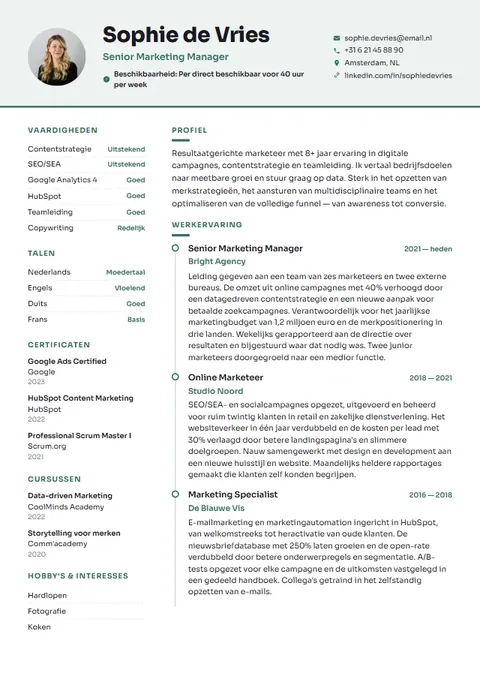
What costs money? Only the download
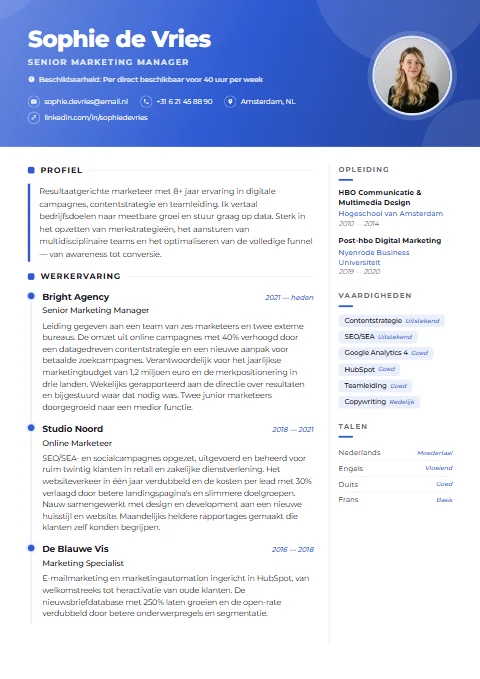
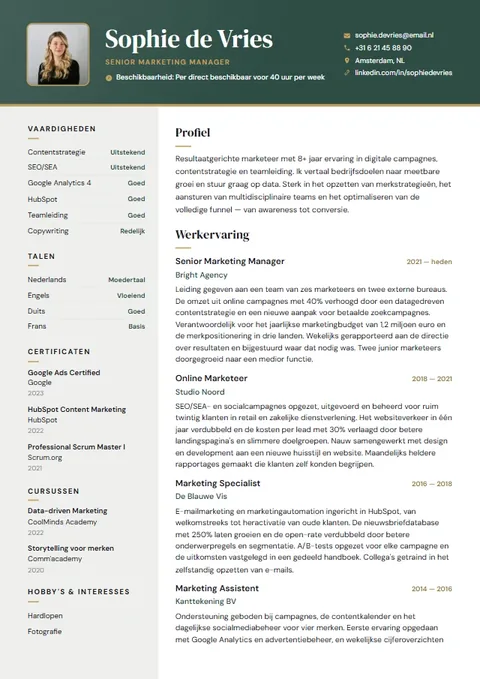
When you want your CV as a file to send, you pay a one-off €4.95. For that you get your CV as a PDF and as an editable Word file, and if you've written a cover letter, you get that too in the same design. Your payment stays valid for a year: during that year you can edit your CV as often as you like and download it again.
No subscription starts, there's no trial that quietly keeps running and there's nothing to cancel. You pay through Mollie, with iDEAL or another payment method Mollie offers. You see exactly what your CV looks like beforehand, so you never pay for a surprise.
Why isn't downloading free?
Making a CV looks simple, but there are real costs behind the scenes. Your PDF and Word file are generated on our server, so the layout stays the same everywhere. The AI writing help runs at an external AI partner that charges per use. And processing a secure payment costs money too.
There are broadly two ways to cover that. Either users pay, or you earn money another way, for example through advertising or a subscription that keeps running after a free start. We choose one small, honest payment at the moment you actually need your CV. Because we don't store the content of your CV on our servers, we don't have a database of CVs to do anything else with either.
That way the builder itself stays free for everyone, even while you're still deciding whether you want to download.
Watch out with 'free' CV makers
Lots of online CV makers call themselves free. Often building the CV really is free, but you pay when you download. That's fine in itself, as long as it's clear. It becomes annoying when you only find out at the last moment that downloading requires a subscription or a trial that renews automatically.
So with any other service, always check:
- Whether downloading is genuinely free, or only filling in the CV.
- Whether the low price is a trial that then turns into a recurring charge.
- Whether you can download your CV free as PDF or Word, or only with a watermark.
- How you cancel, and whether that works through your account settings or only by email.
- What happens to your details when you create an account.
CV maker with no subscription →Cancelling a CV subscription →
Making a CV for genuinely free: the honest alternatives
Don't want to pay anything at all? That's possible. You can make a CV in Word, Google Docs or another word processor. Many of those programs have built-in CV templates. You then save your CV as a PDF yourself, and you're not tied to anything. The downside is that it takes longer: margins, columns and text boxes shift easily, and you get no help with the wording or a check for missing sections.
In the Netherlands you can often also get help with your CV at a UWV office, a public library or your local council's job centre. Ask them directly what they offer, as it differs from place to place.
| theCVrocket | Yourself in Word or Google Docs | 'Free' CV maker with a subscription | |
|---|---|---|---|
| Building and previewing | Free | Free | Usually free |
| Downloading as PDF | One-off €4.95 | Free | Often only with a plan or subscription |
| Word file | Included | Free | Varies by provider |
| Cancelling | Not needed | Not needed | Often needed |
| Account | Not needed | Sometimes | Usually required |
| Help with wording | AI help, example text, CV score | None | Varies by provider |
| Time spent on layout | Short, the design adapts | Longer, you adjust it yourself | Short |
Build your CV for free and only download when you're happy
- Open the builder in your browser, on your laptop or your phone. You don't need to register.
- Choose a template. You can switch later with one click without retyping anything.
- Fill in your details, or import your old CV so the fields are already filled.
- Let the AI write a first draft of your profile or work experience and make it your own, or use the example text.
- Paste the job ad into the job match check and see which requested skills are still missing.
- Go through the CV score in the last step and fix the suggestions.
- Only when you're really happy do you pay a one-off €4.95 and download your CV as PDF and Word.
Examples to get you started for free
Not sure how to begin? You can copy these examples into the builder and adapt them. A CV without much work experience can be just as strong, as long as you show what you have done.
Final-year secondary school student focusing on economics and social studies. For two years I organised the school Christmas market with a team of eight students. I'm good at planning and enjoy helping people. I'm looking for a weekend job in a shop or in hospitality.
• Ran the football club canteen every Saturday, including the till and purchasing
• Trained new volunteers and kept the rota up to date
• Handled catering for around a hundred visitors at tournaments
A CV with no experience →What to put on your CV →Browse CV examples →
No account, and your details stay with you
For us, free also means you don't have to hand over personal details to get started. Your CV lives in your own browser. Want to continue on another device? Save a backup and open it there. Working on a shared computer? Clear your CV when you're done.
When you use the AI help or the import, only the text needed for that goes to our AI partner. With the writing help, your name and contact details are not sent.
Frequently asked questions
Can I make a CV for free with theCVrocket?
Yes, you can build and preview your whole CV for free, including the AI help, the CV score and the job match check. Only downloading costs a one-off €4.95 for PDF and Word.
Can I download my CV as a PDF for free?
Not with us. Downloading costs a one-off €4.95, which gets you PDF and Word plus a year of editing. If you really don't want to pay anything, make your CV in Word or Google Docs and save it as a PDF yourself.
Does a subscription start when I pay?
No. You pay once. There's no trial, no automatic renewal and nothing to cancel.
Why isn't downloading free?
Generating your PDF and Word file, the AI writing help and the payment all cost us money. We choose one small payment instead of advertising or a subscription.
Is the AI help really free?
Yes, you can use it without paying. There is a usage limit so the service stays available for everyone. If it's very busy, try again a little later.
Can I make a CV for free without an account?
Yes. You don't need to register or give an email address. Your CV stays in your own browser.
What if I want to change something after paying?
You can, for a whole year and as often as you like. You simply download again, at no extra cost.