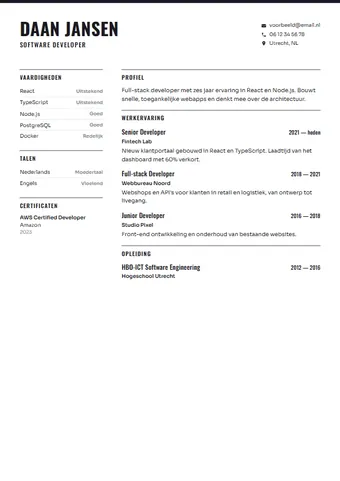
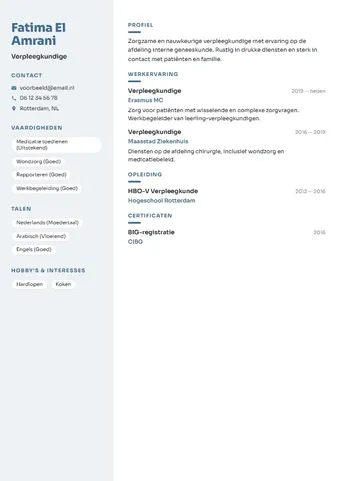
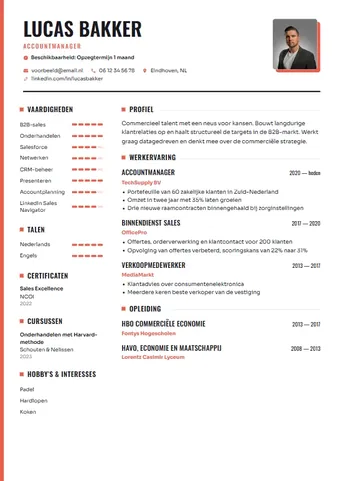
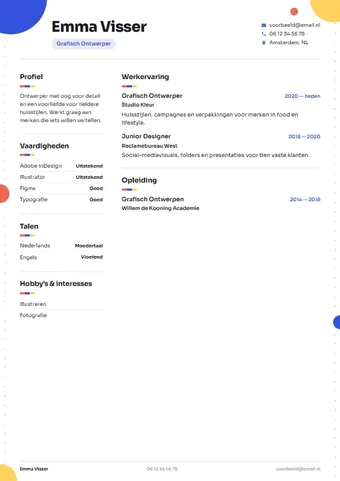
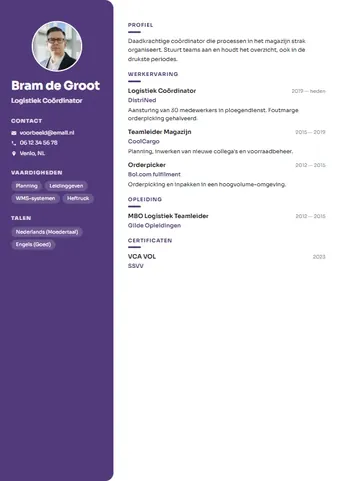
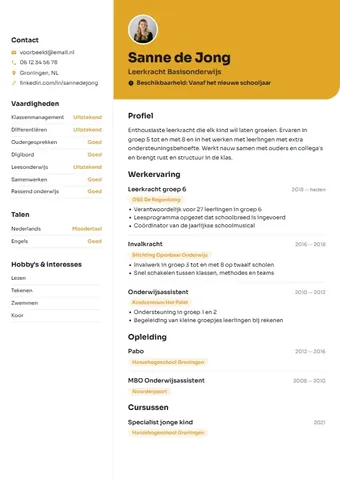
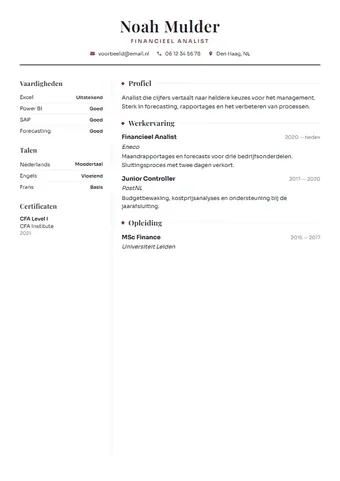
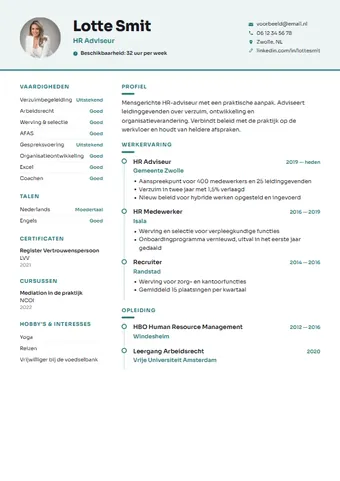
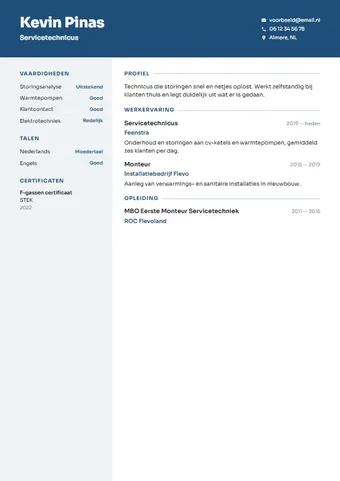
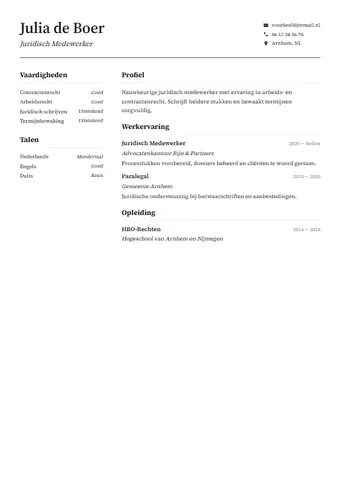
A CV template for Word, ready to edit
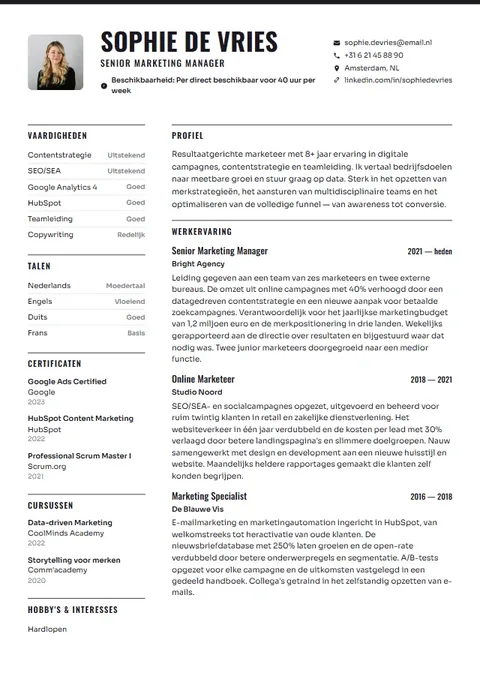
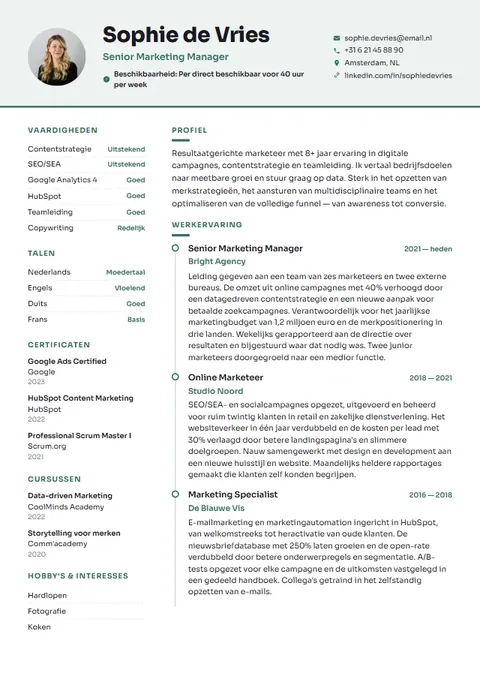
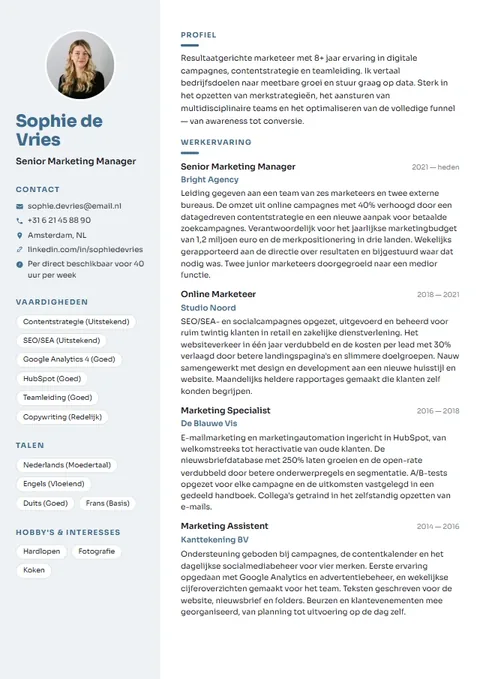
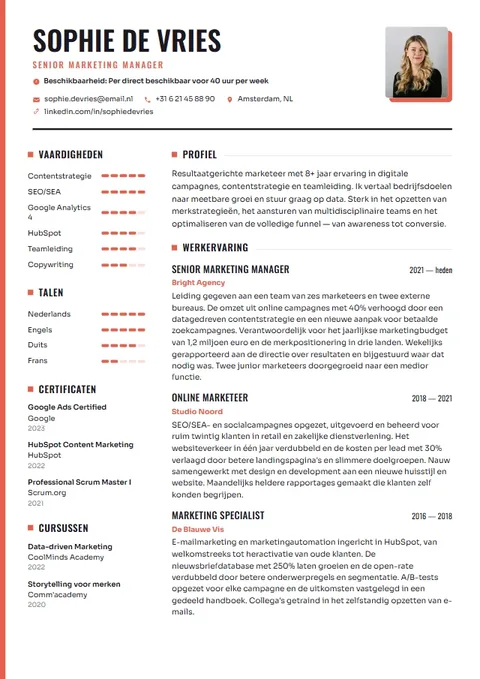
Want a CV you can edit yourself in Word? With theCVrocket you fill in your details in one of twenty-one templates, see the result straight away and download your CV as an editable Word file and as a PDF. Not a blank template where you have to line everything up yourself, but a CV that's already in shape and that you can fine-tune afterwards in Word or Google Docs.
Why a CV in Word is handy
A PDF is ideal for sending: it looks the same for everyone. But sometimes you'd rather have your CV as a Word file. Perhaps a recruitment agency or employer asks for one, perhaps you want to change a line quickly without going online, or perhaps a careers adviser or friend wants to read along and add comments.
A .docx file gives you that freedom. You open it in Microsoft Word, tweak a sentence, add a course or remove an old job, and save it again. That's why theCVrocket always gives you both: a PDF to send and a Word file to edit.
Looking for a CV template for 2026? What employers in the Netherlands expect from a CV doesn't change every year, but a few things have become clear. A calm design with standard headings reads well for people and application systems alike. A short profile at the top helps a recruiter see who you are quickly. And personal details like your date of birth and full address are now usually left off. The templates and tips in the builder are set up with that in mind.
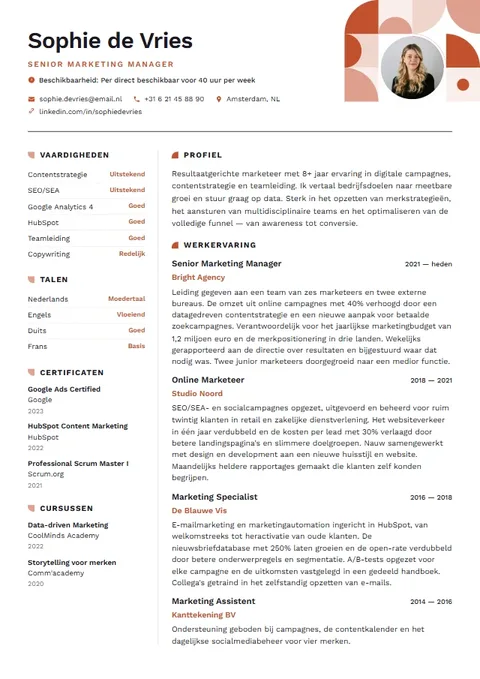
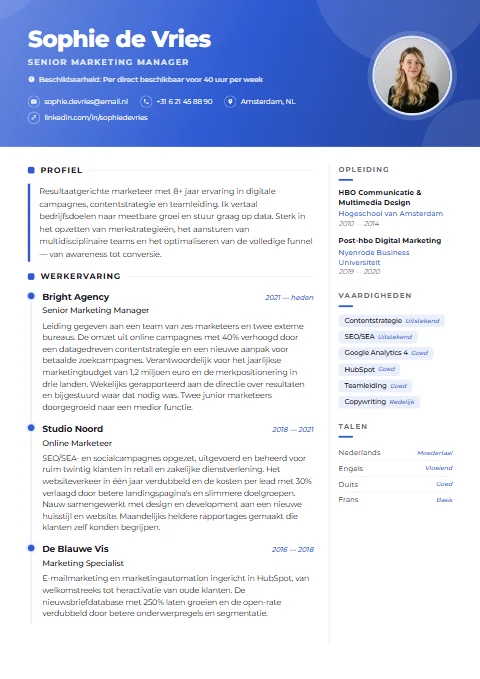
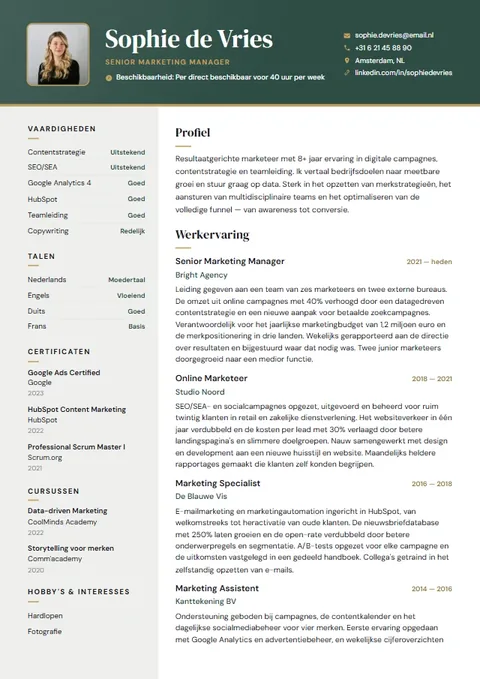
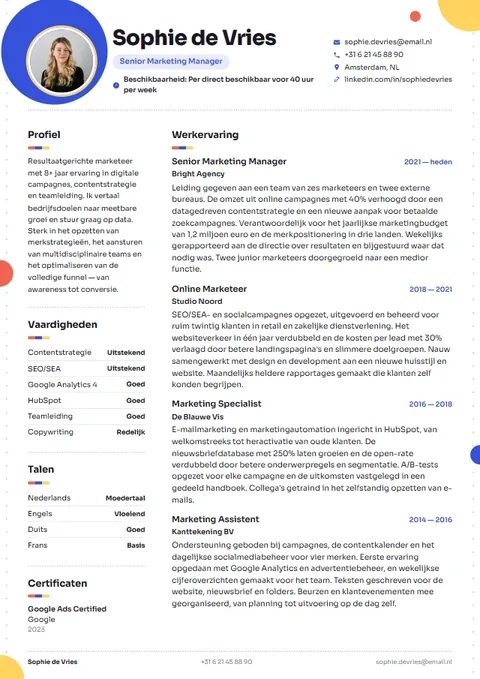
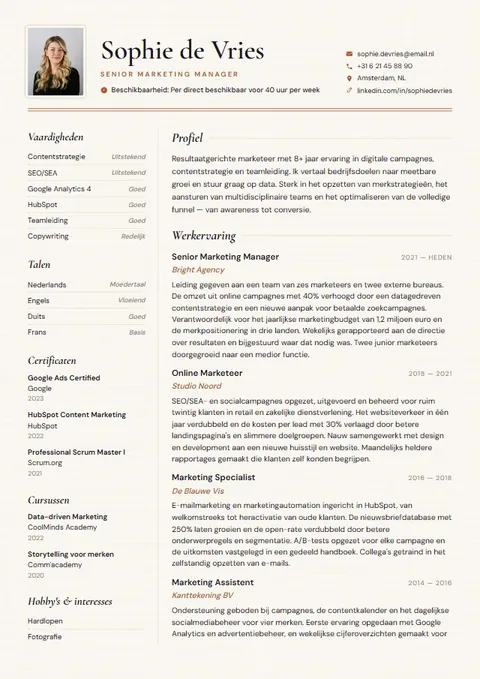
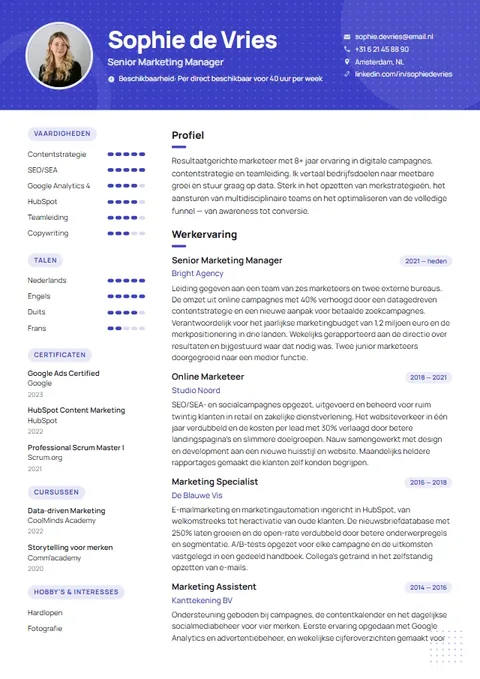
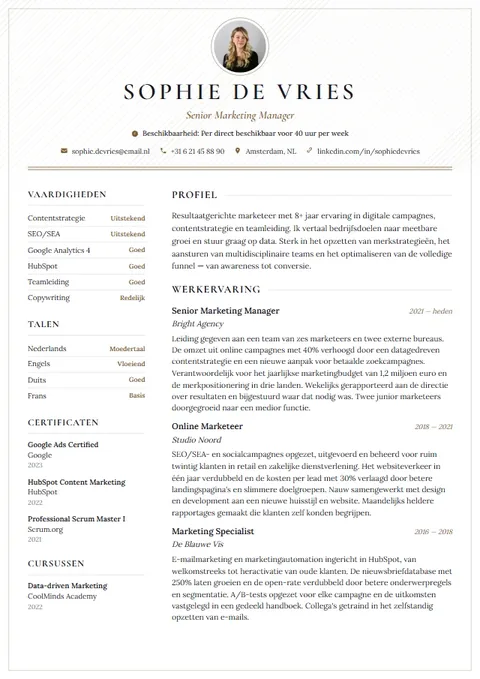
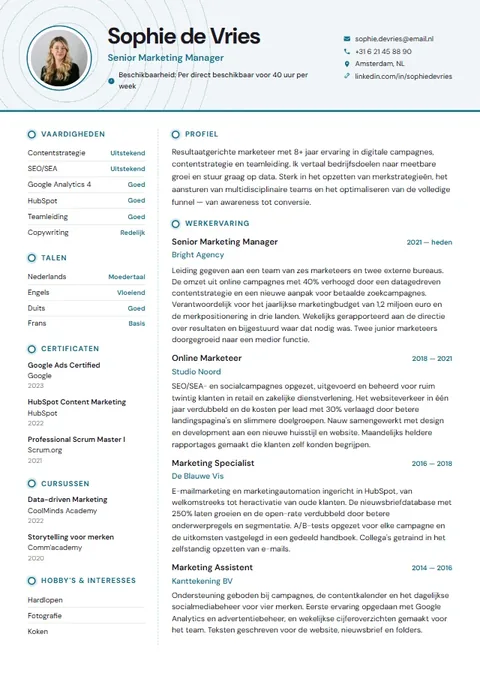
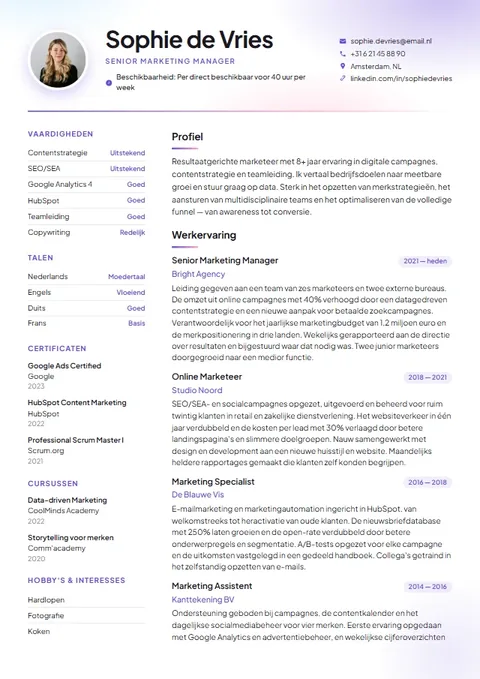
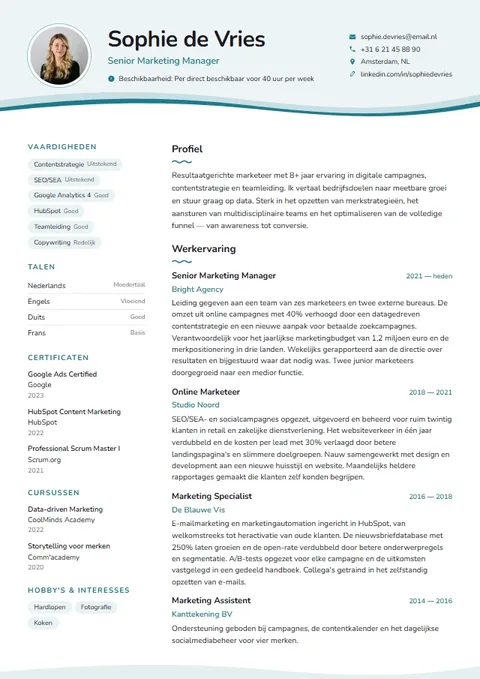
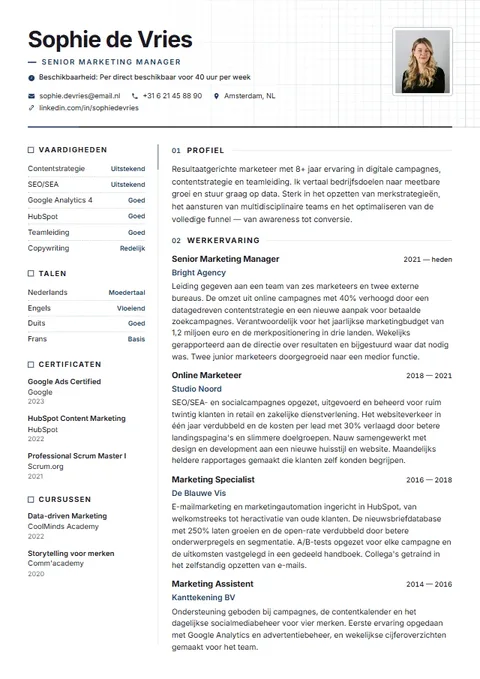
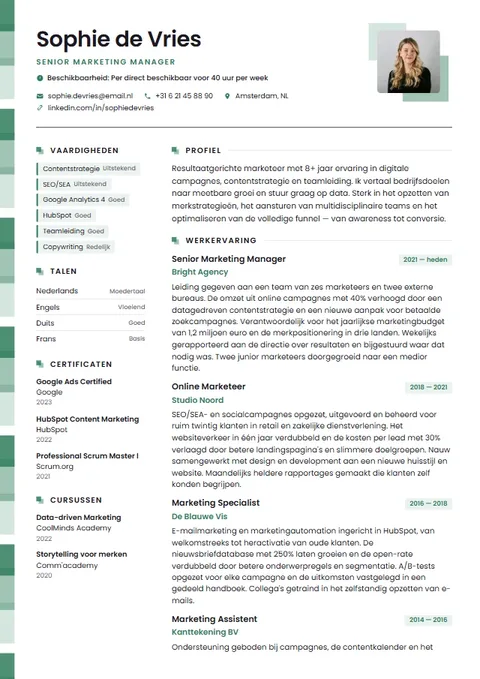
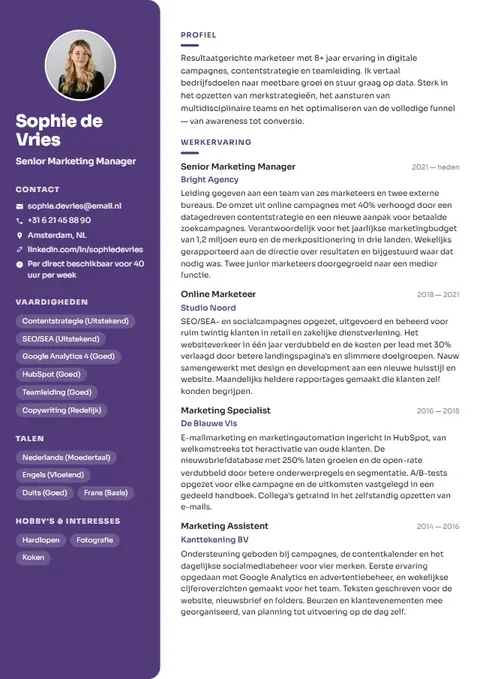
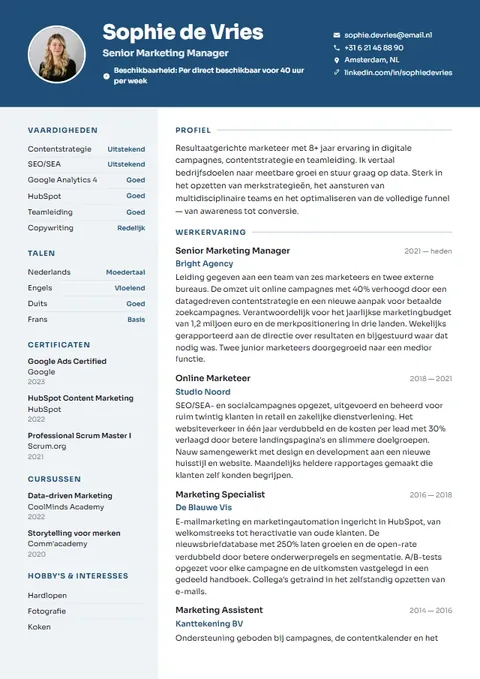
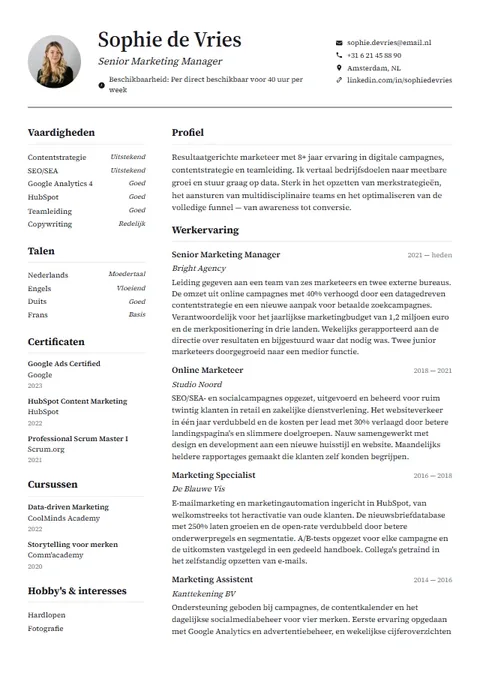
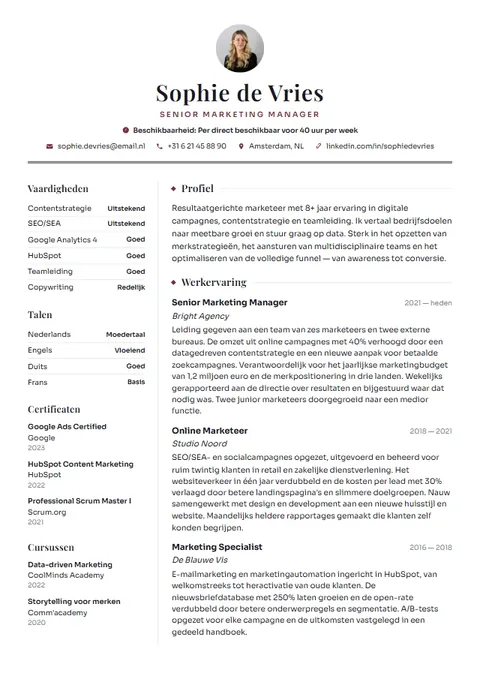
Filling in a blank Word template or using a CV maker?
You can of course open a blank CV template in Word and fill it in yourself. That works fine, but anyone who has tried knows the hassle: tables that jump around, bullet points that won't behave, a second page left half empty and dates that refuse to line up on the right. Here is an honest comparison.
| theCVrocket | Blank Word template | CV maker with a subscription | |
|---|---|---|---|
| Cost | Free to create, one-off €4.95 to download | Often free to find | Varies by provider, often recurring |
| Layout | Done as you type, live preview | Align and shuffle it yourself | Done as you type |
| Word file | Yes, plus a PDF | Yes, it's already Word | Varies by provider |
| Help with wording | Tips, example texts and AI writing help | None | Varies by provider |
| Account needed | No | No | Usually |
| Cover letter | Included, in the same design | Find a separate template | Varies by provider |
Other services differ a lot from one another. Always check beforehand what exactly you pay and whether a subscription starts.
Your CV as a Word file in five steps
- Open the builder and pick a template. You can switch later with one click and your details stay put.
- Fill in your details, or import your old CV as a PDF or Word file. You see everything in the preview immediately.
- Choose your colour and font, and check your CV score and suggested improvements in the final step.
- Pay a one-off €4.95 with iDEAL or another payment method offered by Mollie.
- Download your CV as Word (.docx), as PDF, or both at once. You can download your cover letter as Word too.
What does the Word file look like?
The Word file is deliberately calmer than the PDF. It isn't an exact copy of the graphic design with colour blocks and sidebars, because those are awkward to edit in Word. Instead you get a tidy, continuous single-column layout you can change without a fight.
What it does include: your name in your chosen colour, your job title and contact details, your profile, and then your sections in the order you set in the builder. Headings appear in your accent colour with a rule underneath, your tasks as real bullet points and your dates neatly aligned to the right. If you added a photo, it's in there too. Word uses Calibri, or Georgia if you picked a serif font in the builder, so the file looks right on any computer.
If you want your CV to look exactly like the preview, send the PDF. Use the Word file for editing, or when a vacancy specifically asks for Word.
Using the CV template in Google Docs, Pages or LibreOffice
Don't use Microsoft Word? The .docx file opens in other programs too. For Google Docs, upload the file to Google Drive and open it with Google Docs. On a Mac it opens in Pages, and LibreOffice Writer handles it as well.
Good to know: every program displays Word files slightly differently. Spacing, fonts or the position of your photo may shift a little. So check your CV before you send it, and ideally export it back to PDF after editing.
- Google Docs: File, Download, PDF document.
- Word: File, Save as, choose PDF.
- Pages: File, Export to, PDF.
Example: how to fill in a Dutch-style CV
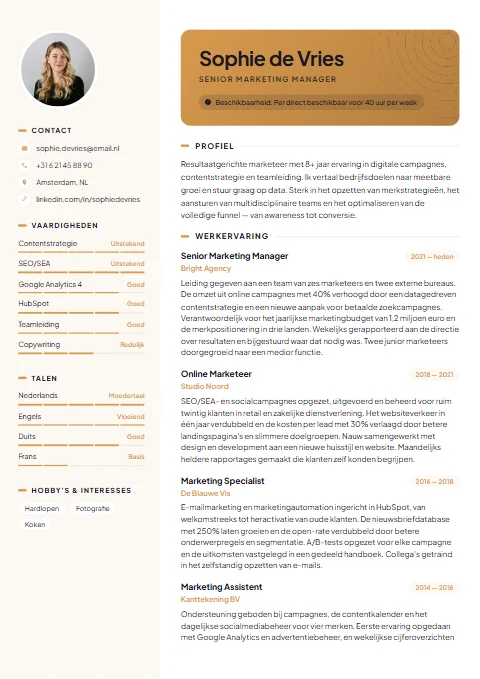
A CV in the Netherlands is usually short and businesslike: one or two pages, your most recent job first, and no date of birth or full address. Your city is enough. A photo is optional. A section might look like this:
Sales assistant with three years of experience in a busy clothing shop. I enjoy helping customers with advice on fit and fabric, while keeping an eye on the till and stock. I'm looking for a job of 24 to 32 hours a week in a shop where service comes first.
Sales assistant, Modehuis De Linde, Utrecht · since 2022
• Advised customers on size, fit and outfits.
• Cashed up the till and checked daily takings.
• Unpacked, priced and displayed the new collection.
These are made-up examples for illustration. In the builder you'll find example texts per occupation for starters, experienced candidates and career changers, which you then make your own.
More about CV templates →What to put on your CV →The Dutch CV format →
Can you download a CV template for Word for free?
You can find blank Word templates for free in lots of places, and there's nothing wrong with that if you like doing the layout yourself. With theCVrocket, creating and previewing your CV is free, and you pay a one-off €4.95 when you want to download. For that you get the Word file, the PDF and your cover letter in the same design. No subscription starts and you don't need an account.
Your payment stays valid for a year. Within that year you can edit your CV in the builder as often as you like and download it again at no extra cost. Handy, because it keeps your polished PDF and your Word version in step.
What's free and what isn't? →CV maker with no subscription →
Tips for editing in Word
- Keep the original file and work on a copy, so you can always go back.
- Use the bullet points that are already there. Press Enter at the end of a point for a new one.
- Keep headings standard, such as Work experience and Education. Application systems prefer that.
- Bigger changes, like a new order or a different design, are quicker in the builder. Then download again.
- Save as PDF after editing before you send it, unless the employer asks for Word.
Frequently asked questions
Do I really get an editable Word file?
Yes. You download a .docx file with real text, headings and bullet points that you can edit in Word as normal. You get a PDF as well.
Does the Word file look the same as the PDF?
Not quite. The Word file has a calmer single-column layout, with your colour, headings, dates and your photo if you added one. That keeps it easy to edit. If you want the exact design, send the PDF.
Can I open the CV in Google Docs?
Yes. Upload the .docx file to Google Drive and open it with Google Docs. The layout may shift slightly there, so check it before you send it.
How much does the Word file cost?
Creating and previewing is free. Downloading costs a one-off €4.95, which gets you Word, PDF and your cover letter. No subscription and no account.
Can I download my cover letter as Word too?
Yes. The cover letter is included in the price and you download it as PDF and Word, in the same design as your CV.
Do I need Microsoft Word?
No. The file also opens in Google Docs, Pages and LibreOffice. If you only want to send your CV, the PDF is all you need.
Can I use my old Word CV?
Yes. Import your old Word or PDF file into the builder and your details are placed in the fields. Then choose a new template and download a fresh version.