
How to cancel a CV subscription, step by step
You only wanted to download a CV and suddenly you're tied to a subscription that's charged every period. It happens to a lot of people. On this page you'll read how to cancel a CV maker subscription, where to look if you can't find the cancel button and how to avoid losing your CV. Then we show you another way: pay once, with nothing to cancel.
First: get your CV out before you cancel
With some services you can no longer download or edit your CV once you've cancelled. So make sure you have your own copy first. Download your CV as a PDF and, if possible, as a Word file too. If downloading no longer works, open the preview and copy the text into a document. You'll need that text later to carry on with your CV elsewhere.
Made a cover letter or several versions of your CV? Save those as well. After cancelling, you usually can't count on still having access.
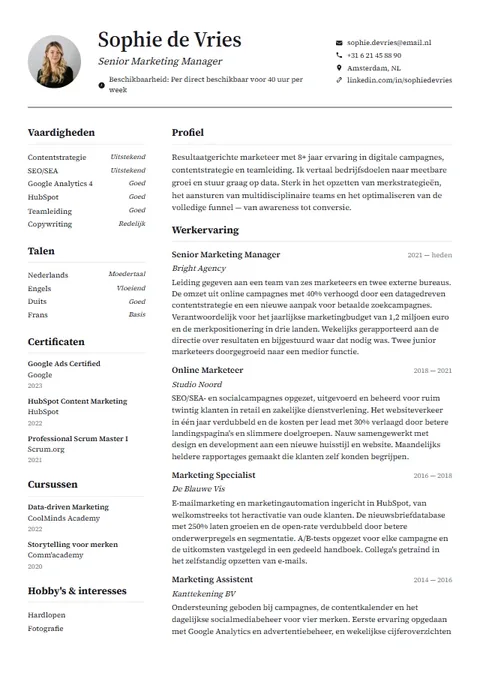
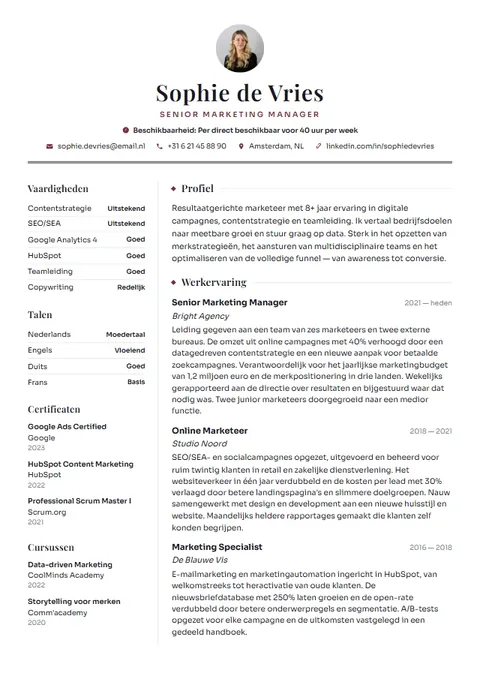
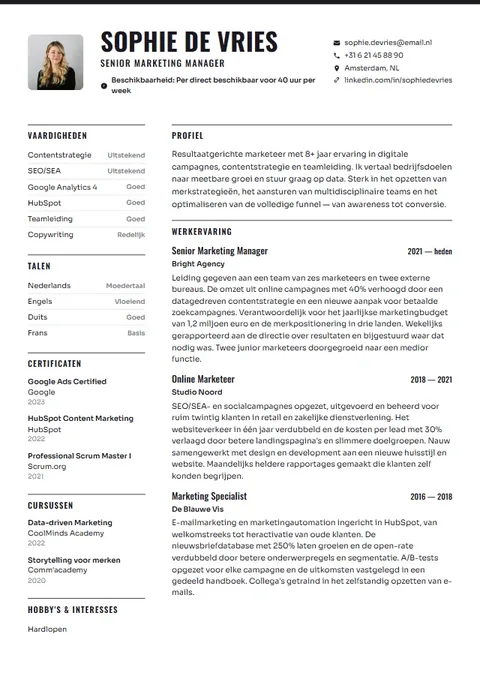
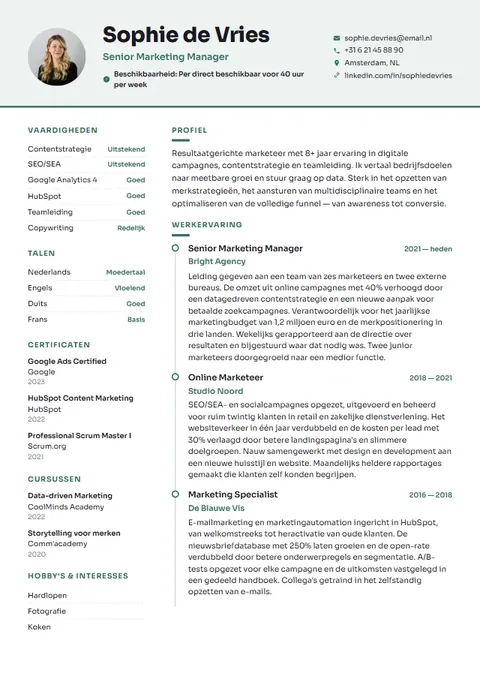
How to cancel a CV maker subscription
- Log in to the website where you made your CV, ideally on a computer. On mobile, settings are often tucked further away.
- Go to your account, profile or settings and look for a heading such as Subscription, Billing, Payments or Membership.
- Choose cancel, end subscription or turn off automatic renewal. If you're first shown an offer to stay, read carefully which button actually completes the cancellation.
- Wait for the confirmation. Keep the confirmation email or take a screenshot of the page saying your subscription has ended, with the date visible.
- Can't find a cancel option? Email customer service or use their contact form. Include the email address linked to your account and say you want to cancel with immediate effect. Keep your message and the reply.
- On the next billing date, check your bank statement or card statement to make sure nothing more has been charged.
Cancelling and deleting your account are often two separate things. If you also want your data erased, ask for that separately.
Where your subscription runs depends on how you paid
It helps to know which route you're paying through, so you know where to find the subscription and stop it. Look in your email for the first payment confirmation: it usually shows how you paid and the name the charge appears under. That name can differ from the name of the website.
| You paid with | Where to look | Keep in mind |
|---|---|---|
| Credit or debit card | Your account on the CV site and your card statement | Cancel through the site; blocking your card does not cancel the subscription |
| PayPal | Your account on the CV site, and automatic payments in PayPal | In PayPal you can stop a recurring payment to a seller yourself |
| Direct debit | Your account on the CV site and your banking app | Ask your bank what your options are if you're still charged |
| App Store or Google Play | The subscriptions in your Apple or Google account | A subscription bought through an app is cancelled there, not on the website |
Watch out for free trials
Many CV subscriptions start with a short trial at a low price. At the end it often turns into an ongoing subscription at the regular rate automatically. If you don't want that, cancel before the trial ends. Put the end date in your calendar straight away whenever you start a trial.
When signing up, read exactly what happens after the trial: how much you'll pay, how often, and whether you can stop in between. That information is usually on the payment page or in the terms.
- Note the date your trial ends.
- Cancel a few days early, not on the last day.
- Check whether you keep access until the end of the paid period after cancelling.
- Keep every confirmation you receive.
You were charged after cancelling. Now what?
If you still see a charge after cancelling, contact the service's customer support first. Send your cancellation confirmation and ask for a refund. Keep it short and businesslike, and ask for written confirmation.
If that doesn't solve it, contact your bank, card provider or PayPal. They can tell you whether a payment can be disputed or reversed and what's needed. That varies by payment method and situation, so don't count on it until you've checked.
Unsure about your rights as a consumer in the Netherlands? The Juridisch Loket offers free general legal information, including on subscriptions and cancelling.
Dear customer service,
I am cancelling my subscription with immediate effect. My account is in the name of [your name] with the email address [your email address].
Please confirm the cancellation in writing and make no further charges. If anything has been charged after today, I ask you to refund it.
Kind regards,
[your name]
Carry on with your CV without a subscription
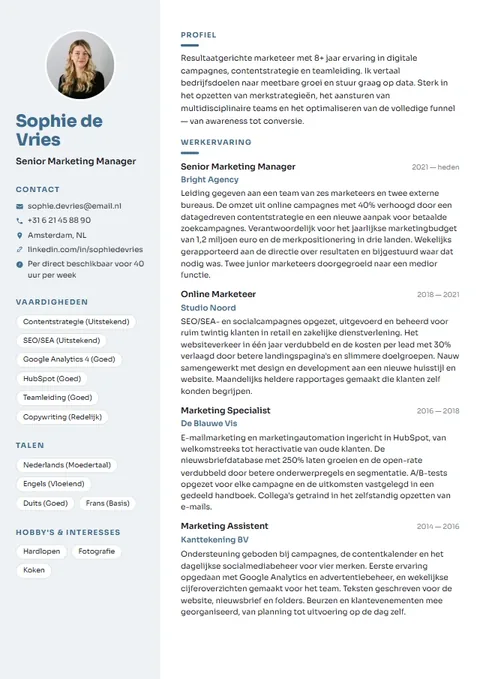
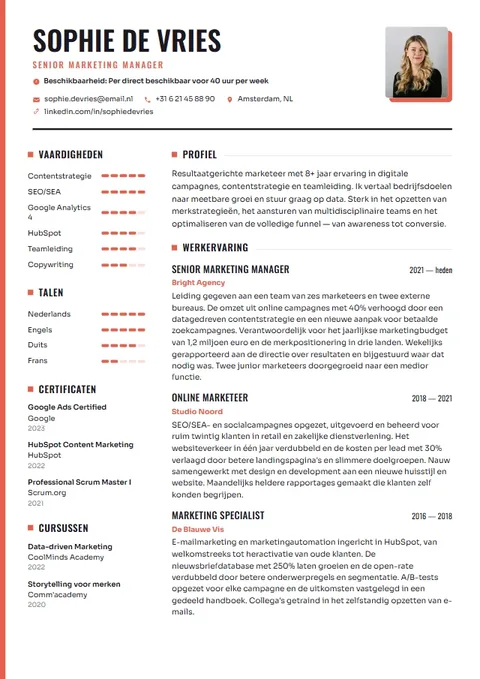
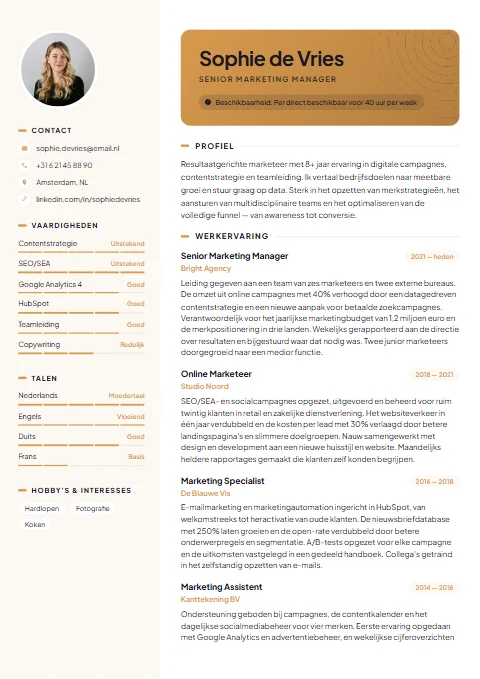
Cancelled, but still want to keep working on your CV? At theCVrocket you pay €4.95 once and that's it. No trial starts and there's nothing to cancel. You build and preview your CV for free and only pay when you want to download.
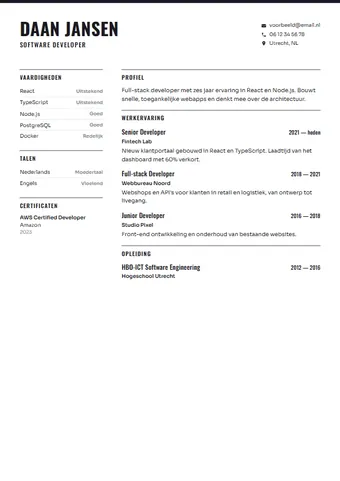
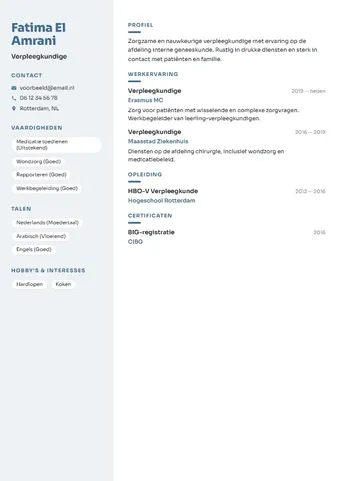
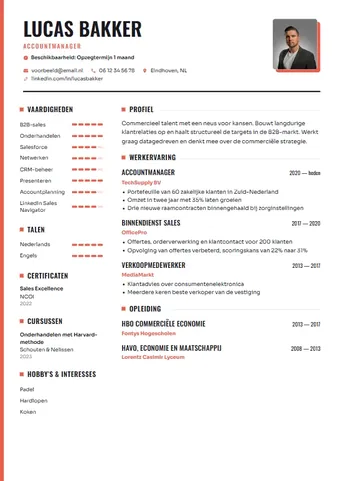
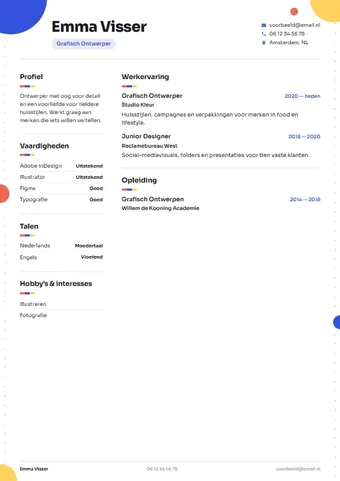
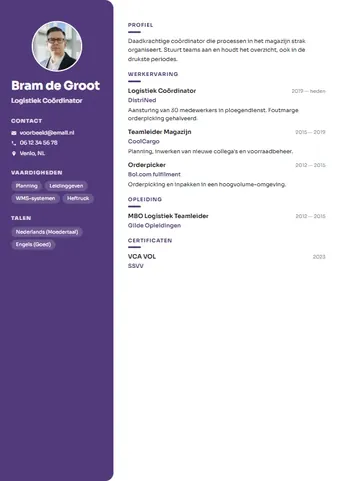
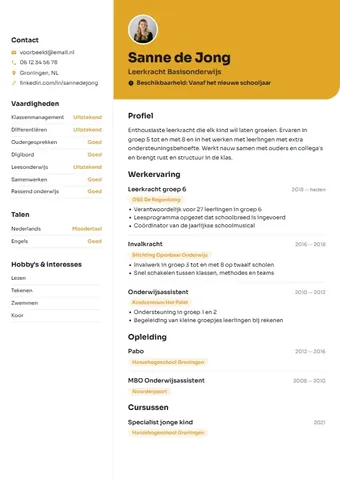
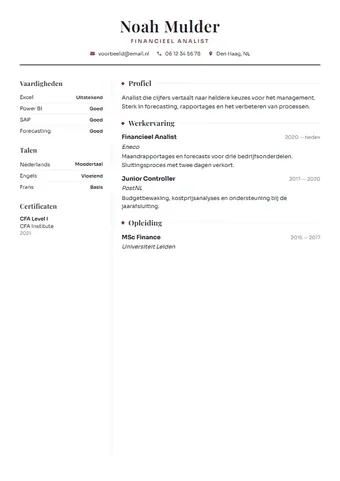
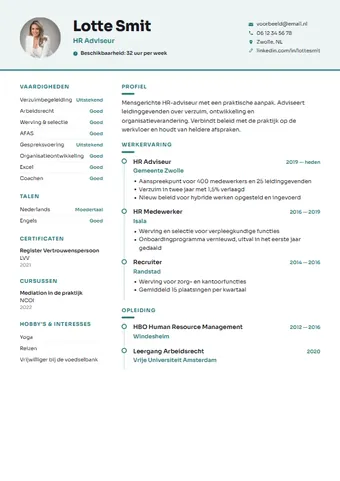
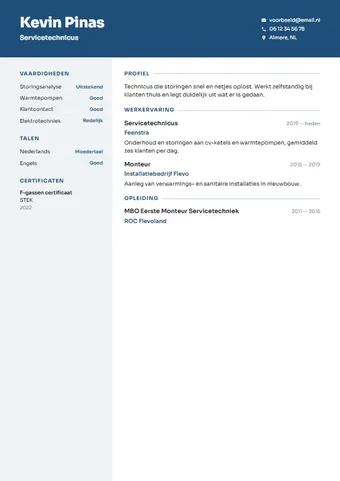
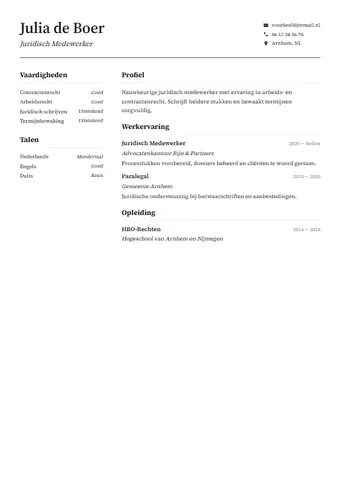
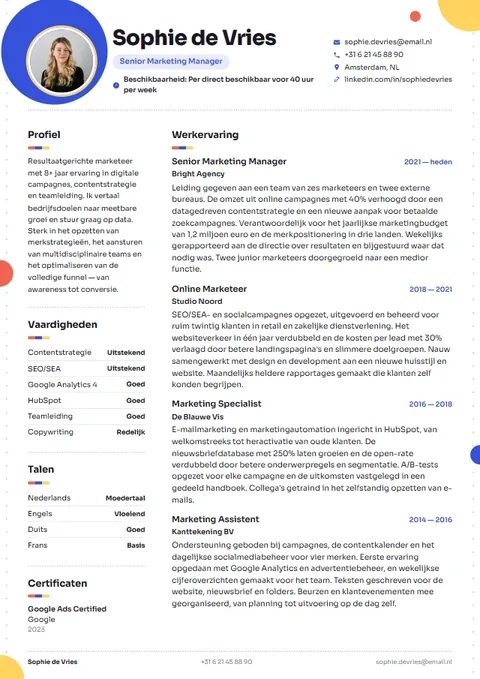
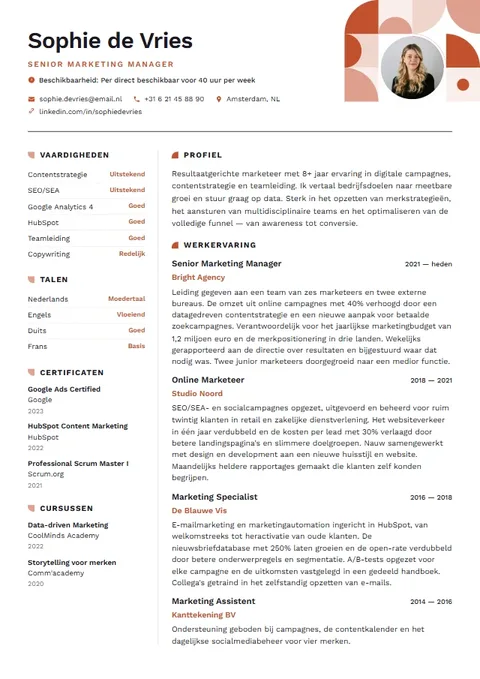
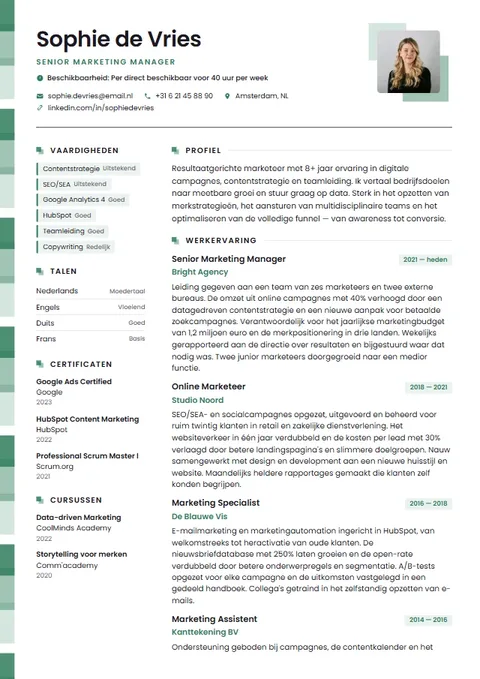
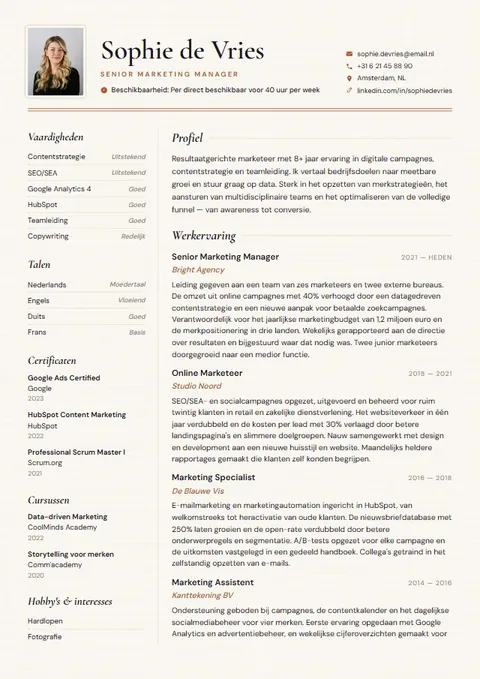
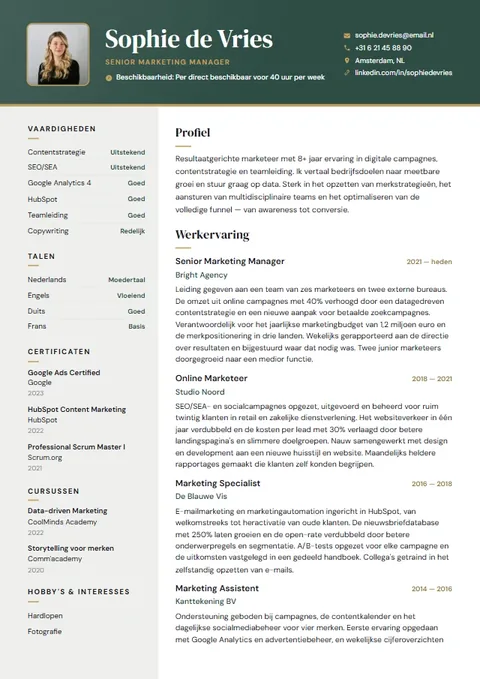
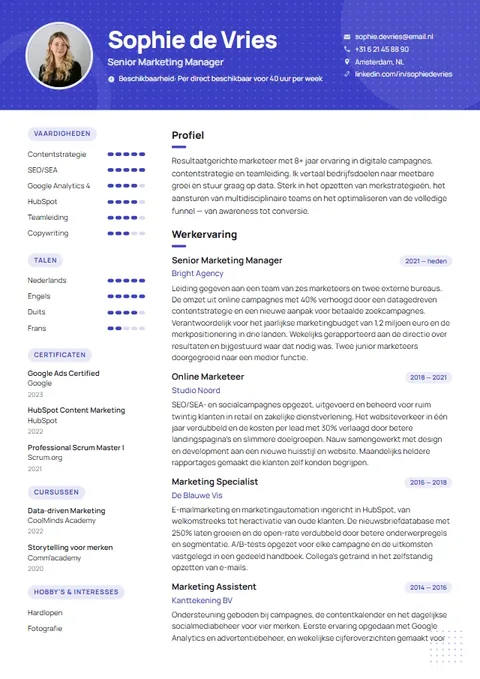
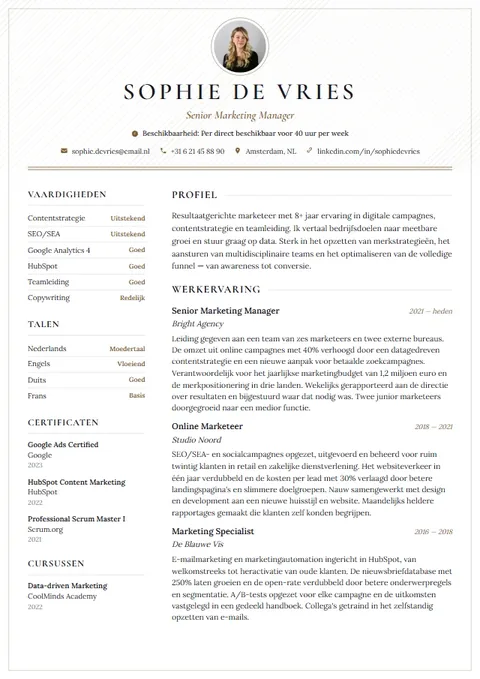
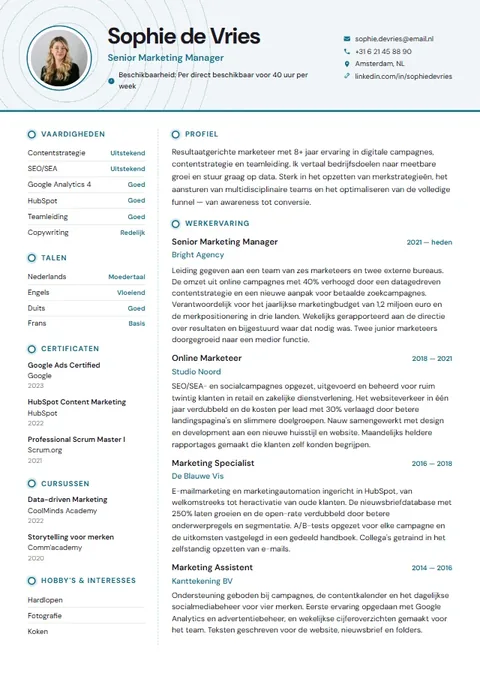
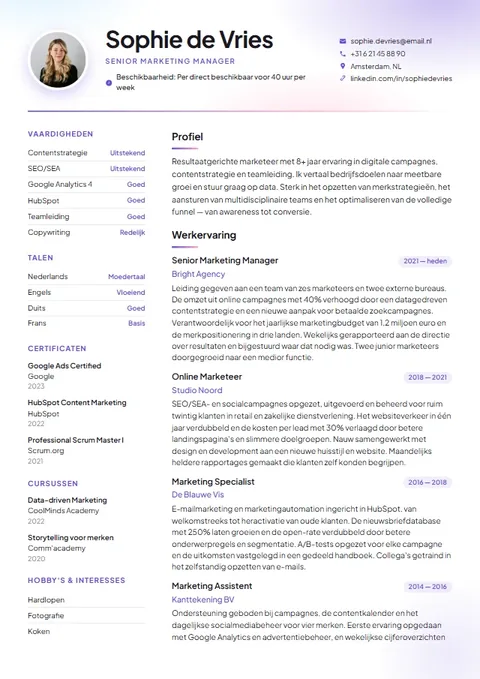
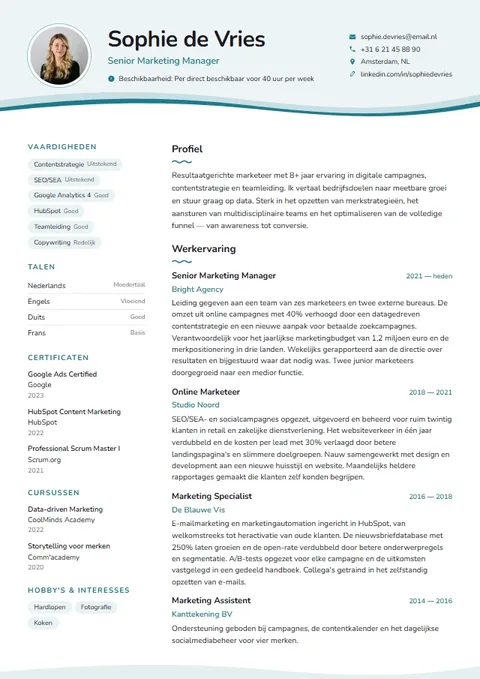
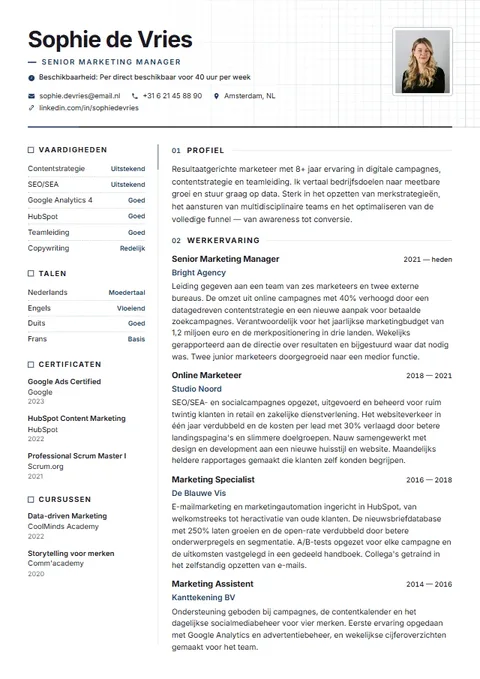
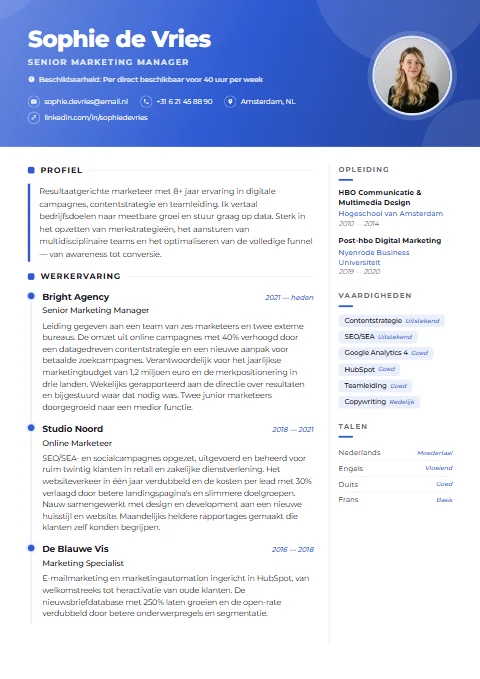
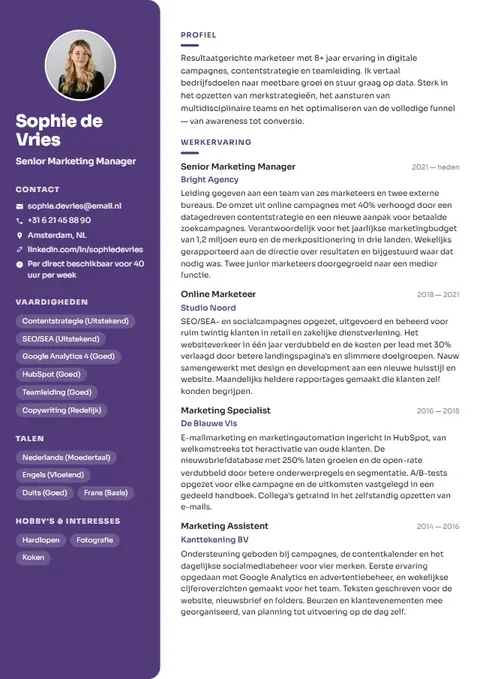
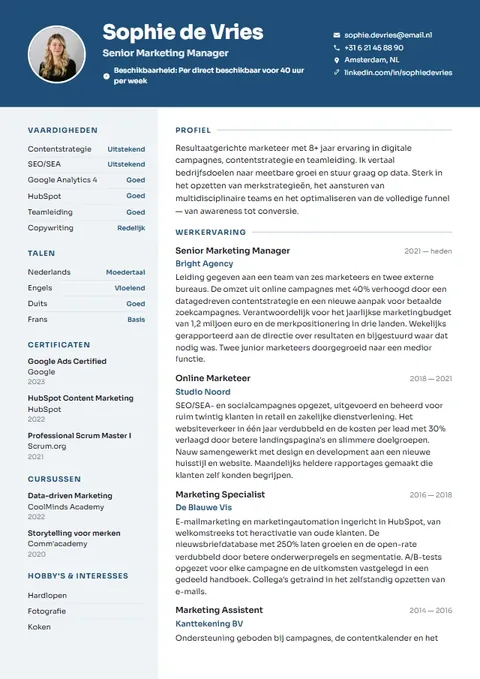
You don't have to start from scratch. Import the PDF or Word file you just downloaded, or paste the text you copied. The fields are filled in for you; you check them and choose one of the 21 templates. If importing doesn't work because your file is a scan or an image, paste the text instead.
- Open the builder and choose I already have a CV.
- Upload your PDF or Word file, or paste the text.
- Check the filled-in fields and pick a design.
- Look at your CV score and the ATS view in the last step.
- Pay a one-off €4.95 and download as PDF and Word, with a full year of editing.
Import your CV in the builder →CV maker with no subscription →Browse the 21 templates →
Subscription or one-off: the difference at a glance
| theCVrocket | CV maker with a subscription | |
|---|---|---|
| Paying | One-off €4.95 | Recurring each period |
| Cancelling | Not needed | Stop it yourself in time |
| Trial | None, you create for free and pay to download | Common, and it sometimes rolls over automatically |
| Account | Not needed, your CV is in your browser | Usually required |
| Files | PDF and Word, cover letter included | Varies by provider |
| Afterwards | Your files stay yours, nothing is charged | Access often stops when you cancel |
Subscription terms differ by provider. This is a general comparison, not a description of any specific service.
Avoid it next time
- Before entering payment details anywhere, check whether it's a one-off payment or a subscription.
- Look for words such as trial, per month, renews automatically or until cancelled.
- Always keep your own CV as PDF and Word, so you never depend on one service.
- Use a payment method that lets you keep a clear eye on charges.
Frequently asked questions
How do I cancel my CV maker subscription?
Usually through your account on the website, under a heading such as Subscription, Billing or Settings. If you can't find it, email customer service and keep the confirmation.
Does deleting my account stop the subscription?
Not always. Cancel the subscription first and wait for confirmation. Only then delete your account, if you want to.
I paid through the App Store or Google Play. Where do I cancel?
In the subscriptions section of your Apple or Google account. A subscription that runs through an app store usually can't be stopped on the website itself.
Does blocking my card help?
It doesn't cancel the subscription. Always cancel with the service itself. If you were charged wrongly, ask your bank or card provider what your options are.
Can I still download my CV after cancelling?
That depends on the service. So always download your CV as PDF and Word, or copy the text, before you cancel.
Can I bring my old CV to theCVrocket?
Yes. Import your PDF or Word file, or paste the text. The fields are filled in for you and you choose a new template.
Do I need to cancel anything at theCVrocket?
No. You pay a one-off €4.95. There is no subscription, so nothing is ever charged automatically.