An AI CV maker that keeps your CV yours
Making a CV with AI saves a lot of time: you get a first draft of your profile and job descriptions, and you can tailor your CV to a job ad in a few clicks. The theCVrocket builder has that AI help built in, with no account and no extra cost. You stay the author, though: the AI only works with what you fill in, and you decide what ends up on your CV.
What does the AI help in the builder do?
The AI help sits where most people get stuck: the profile, the description of your work experience and the cover letter. Each of those fields has a button. If the field is still empty, it says Write a first draft. If there is already text, it says Improve text.
- Profile: a short profile of three or four sentences based on your job title, work experience, education and skills.
- Work experience: a description of your tasks for each job, or a better version of what you wrote yourself.
- Fine-tuning: after a suggestion you can choose Shorter, More formal or Another version. Undo brings back your previous text.
- Skill suggestions based on your experience. Anything already on your CV is not suggested again.
- Tailoring to a job ad: your profile and job descriptions are rewritten using the wording of the job ad, but only where your CV backs it up. You decide per item whether to apply it.
- Cover letter: a first draft based on your CV and the job ad, in the same design as your CV.
- Interview practice questions based on the job ad and your CV, each with a tip on which experience to mention.
- Translation: converting your text from English to Dutch or the other way round.
- Import: upload your old CV as a PDF or Word file, or paste the text, and the fields are filled in for you.
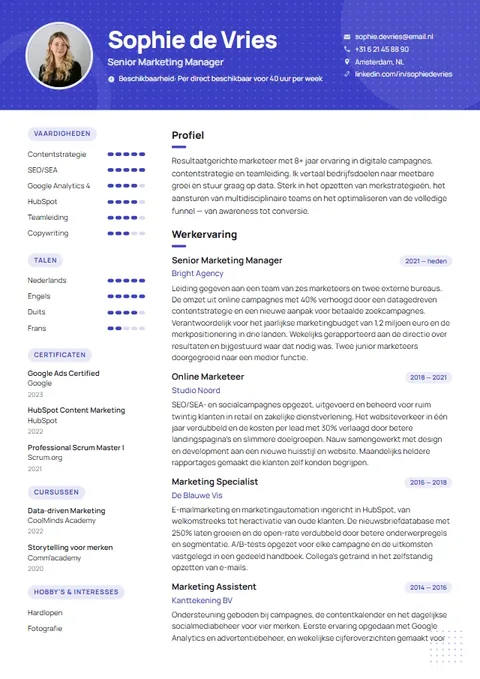
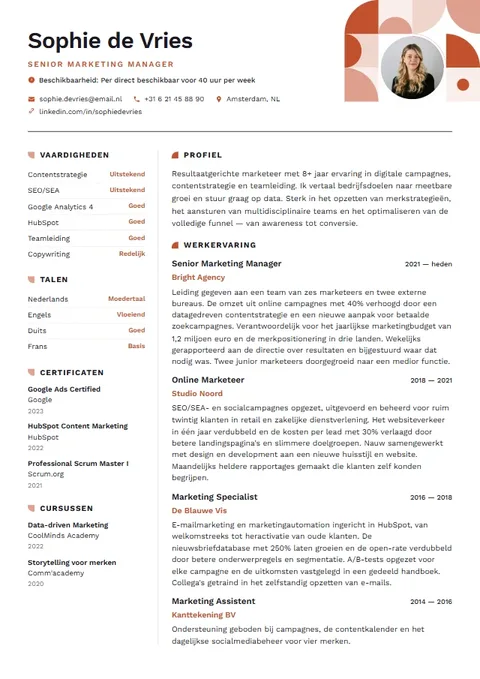
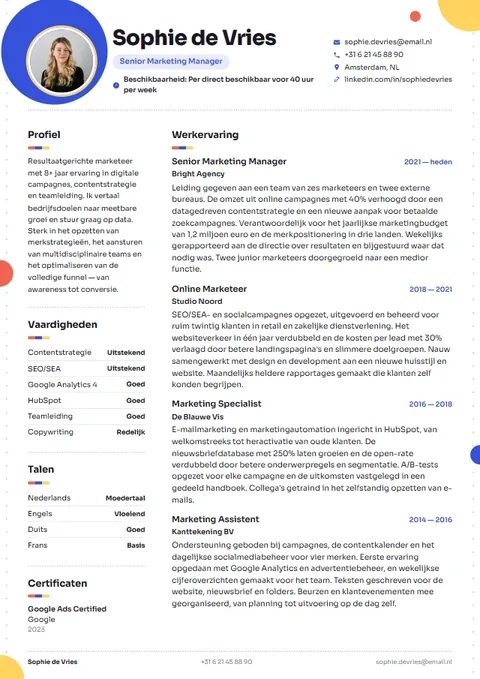
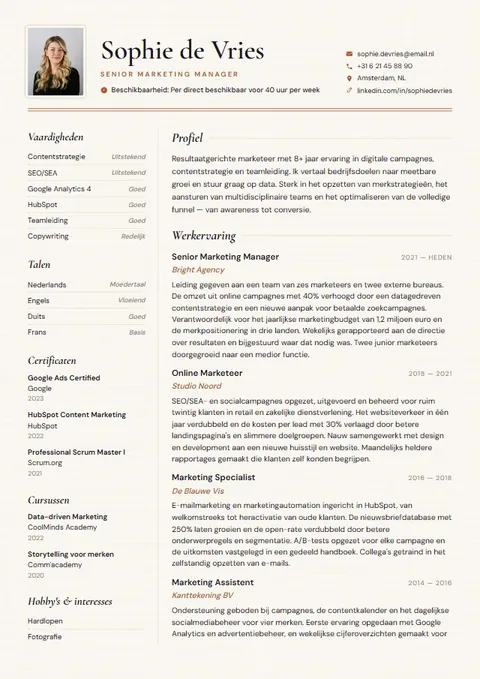
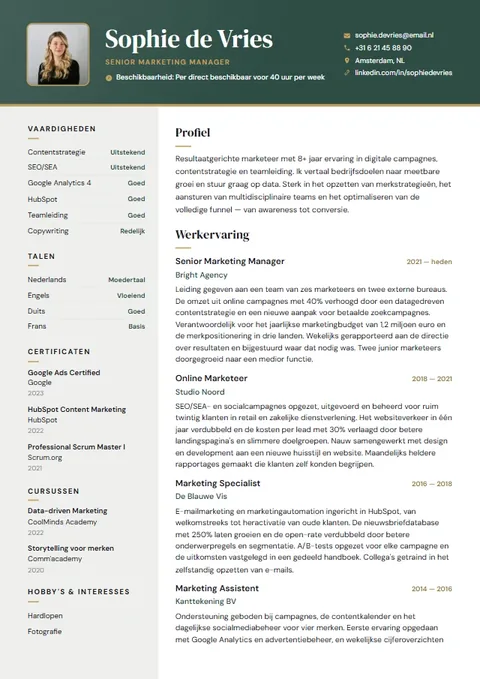
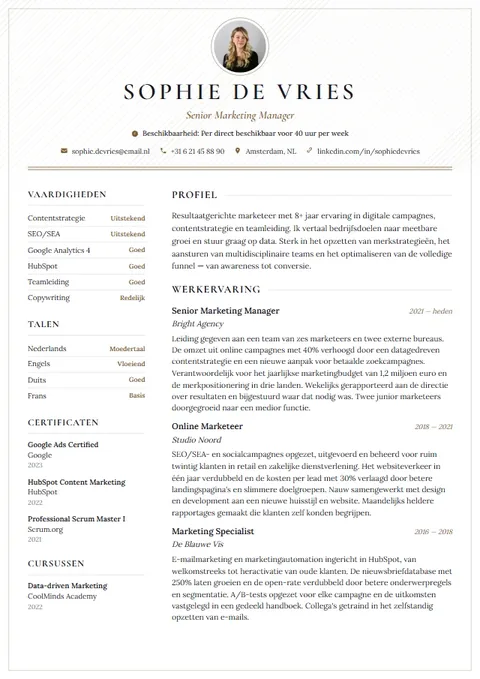
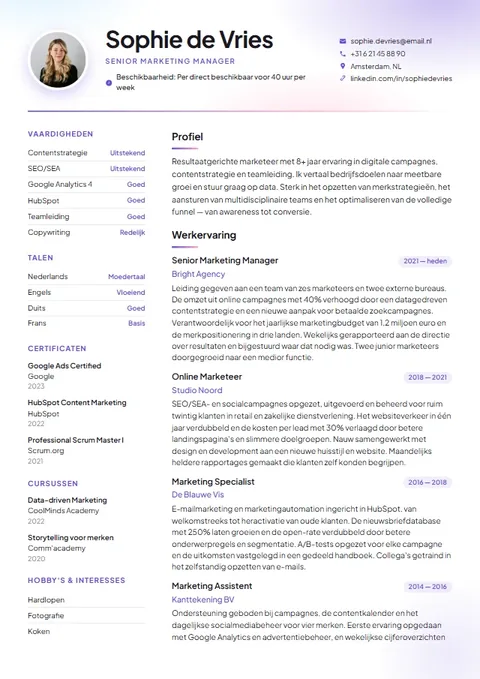
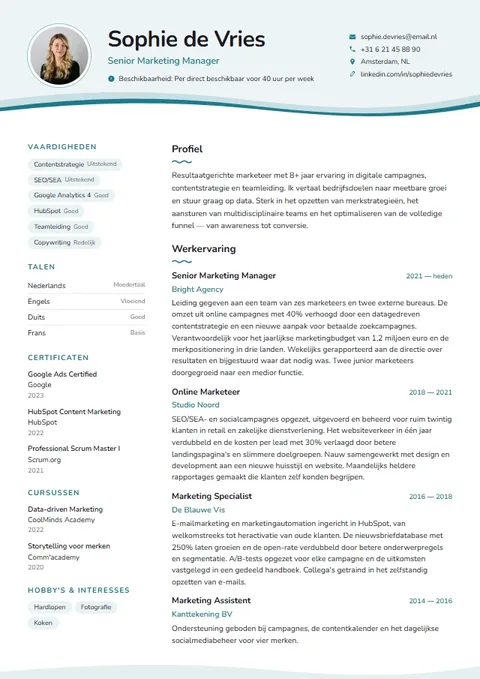
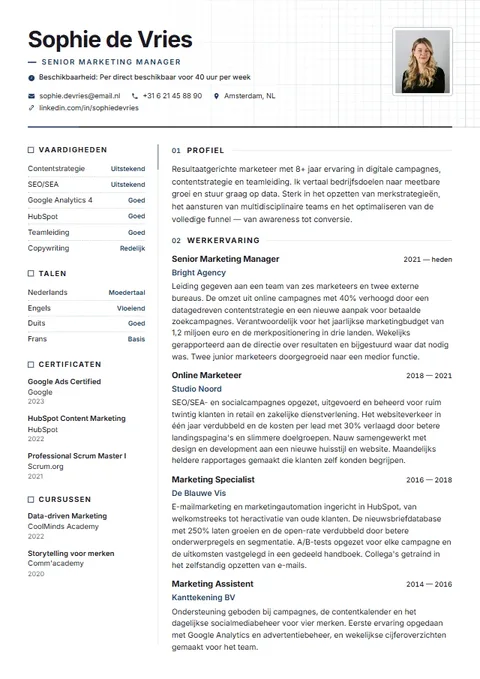
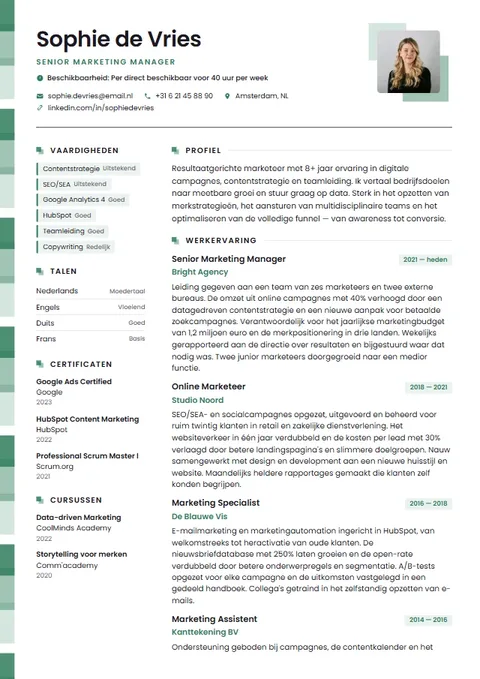
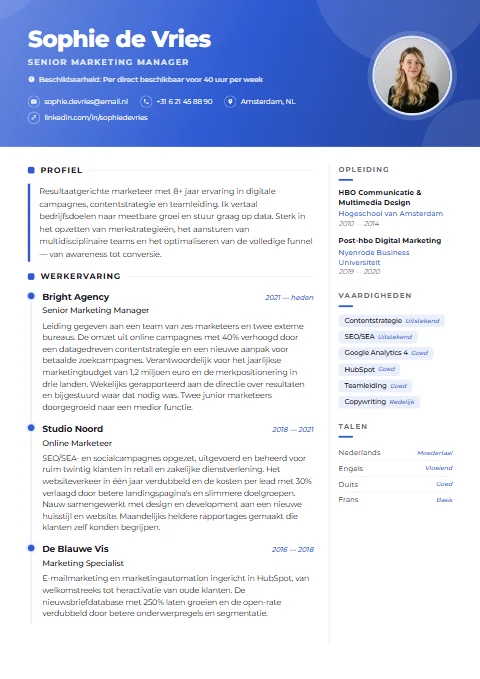
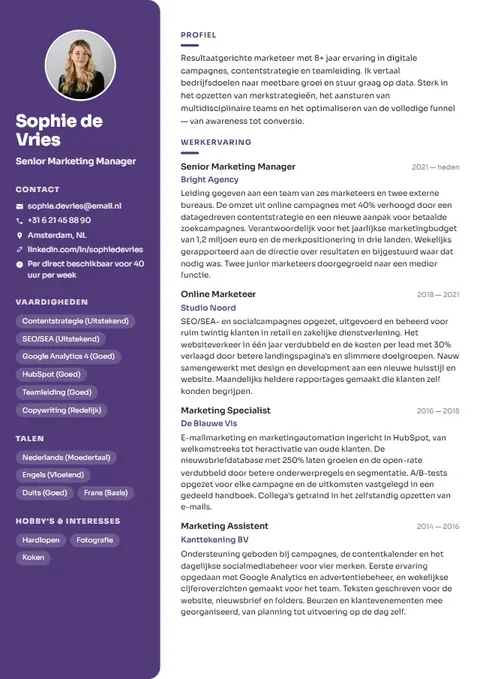
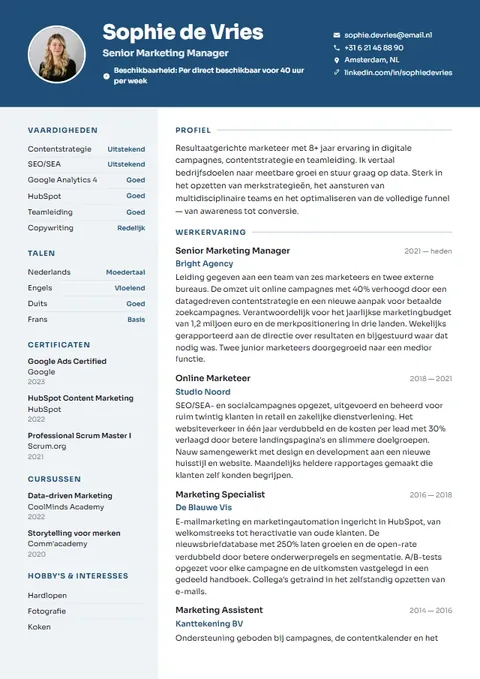
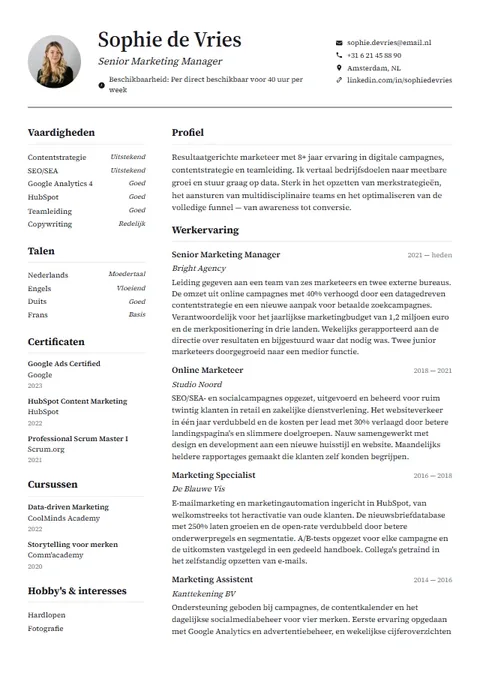
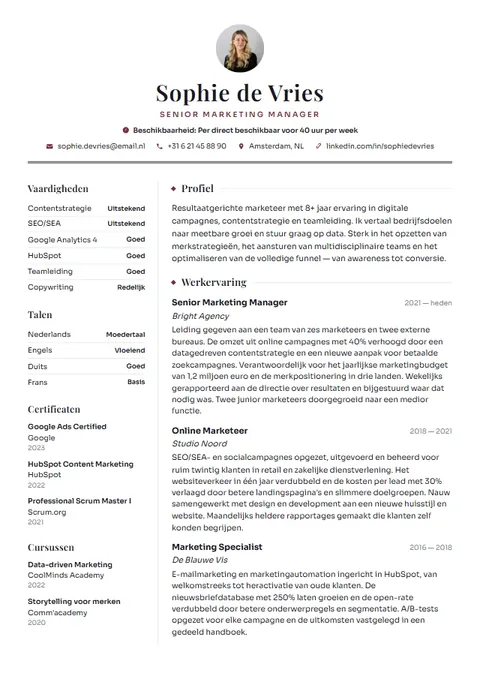
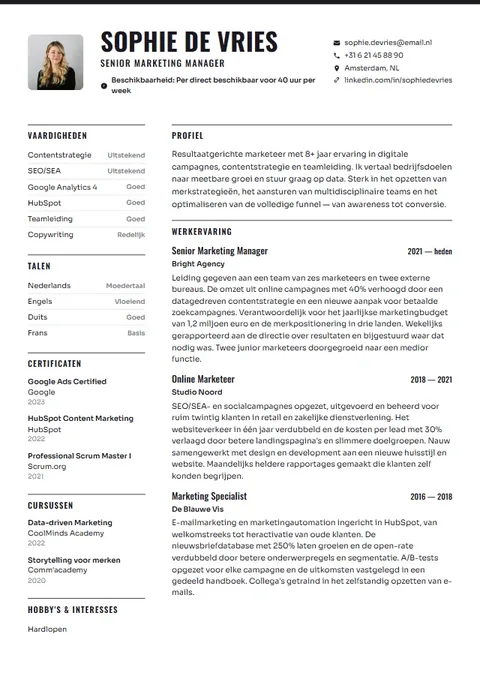
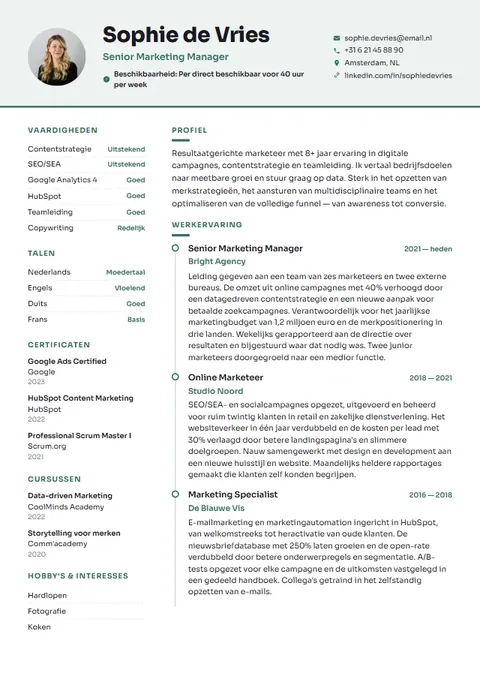
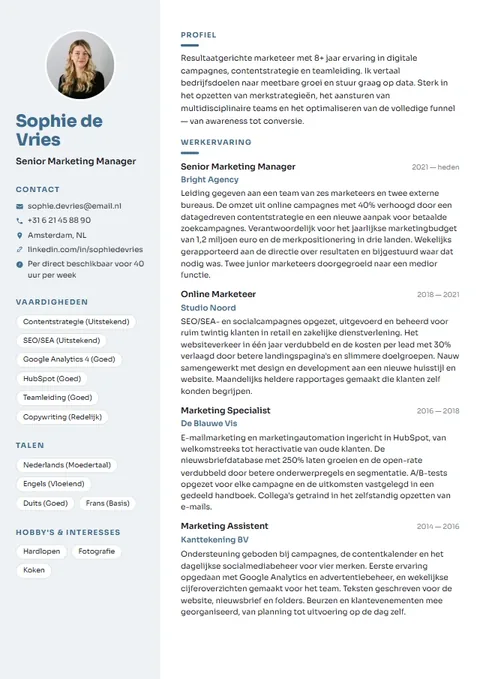
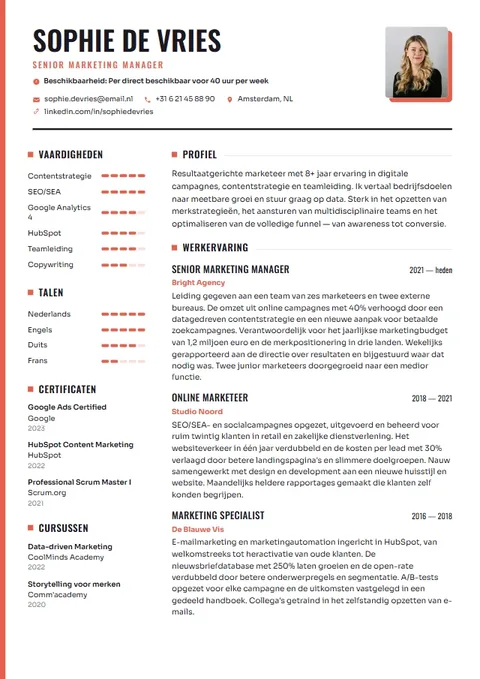
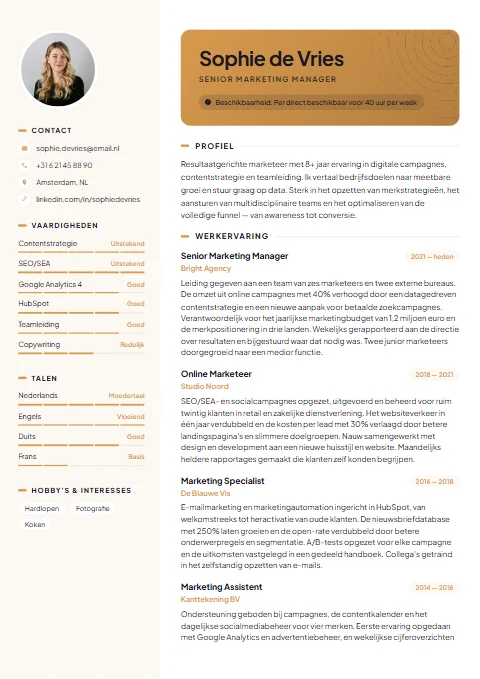
How to make your CV with AI, step by step
- Open the builder and choose a template. If you already have a CV, import it first.
- Fill in your job title and work experience: role, employer and period. A few keywords per job already help.
- Click Write a first draft under a job and read the suggestion critically. If something is wrong, remove or change it.
- Then let it write your profile. It works better once your work experience is filled in.
- Paste the job ad in the last step. See which requirements are already on your CV and choose Tailor to job ad.
- Apply only what is true for each item, and add a concrete example or result yourself.
- If you like, create a cover letter and practice questions, check your CV score and download your CV.
Example: from keywords to a profile
Below you can see how a few loose details can become a readable profile. The AI only uses what is there: no years, figures or qualifications are added that you did not fill in.
Job title: customer service advisor
Experience: customer service at an energy supplier, 2022 to now, phone and chat, complaints
Skills: Dutch, Excel, staying calm
Customer service advisor working at an energy supplier since 2022. I help customers by phone and chat and handle complaints, including difficult conversations. I speak Dutch and work with Excel. I am looking for a role in a customer team where I can really help people move forward.
This is an example. The text you get varies each time and depends on what you fill in.
Example: a better job description
You can also improve text you have already written. The content stays the same; the wording becomes shorter and more concrete. If you want a figure on your CV, such as the number of customers a day, add it yourself. The AI does not invent numbers.
I was responsible for helping customers and also did the till and sometimes training new people, about ten colleagues.
• Helped customers on the shop floor and at the till.
• Trained around ten new colleagues.
Describing your work experience →Personal profile examples →
Having AI or ChatGPT write your CV: what is the difference?
You can also ask a general chatbot to write your CV. That can work well, but you have to explain everything yourself, copy the text and then put it into a design. In the builder, the AI help already knows which field you are filling in and what else is on your CV, and the text lands straight in the right place.
| General chatbot | AI help in the builder | Writing it all yourself | |
|---|---|---|---|
| Explaining needed | You describe everything in a prompt | The details from your CV are included | None |
| Design and layout | Sort it out in another program | Straight into one of 21 templates | Sort it out yourself |
| Tailoring to a job ad | Possible, with your own instructions | Built in, apply item by item | Manual work |
| Risk of made-up content | Depends on your instructions | Limited: the rules forbid invented employers, figures and certificates | None |
| Time | Quick for text, layout takes extra time | Quick | The longest |
| Your own voice | Often generic, needs rewriting | A starting point you adapt | Entirely yours |
Whichever route you choose, read everything back before you apply.
Using AI for your CV responsibly
A recruiter reads your CV to find out what you can do. So make sure every sentence is true and that you can explain it in an interview. The AI help is designed not to make things up, but you are the one applying.
- Read every suggestion and remove anything that is wrong or that you would not say.
- Add a concrete example or result yourself. That is what sets you apart from generic text.
- Only take requirements from a job ad that you genuinely meet. Tailoring also only does this where your CV backs it up.
- Keep your own voice. If a sentence does not sound like you, choose Another version or rewrite it.
- Avoid clichés such as passionate or team player, and show what you did instead.
What happens to your data?
Your CV is stored in your own browser, not in an account with us. When you use the AI help, only the text needed for that part goes to the server, such as your job title, work experience and skills. Your name and contact details are not sent. When you import a CV, the text briefly goes to our AI partner to fill in the fields; the file itself stays on your device and we do not store the text.
Is an AI CV maker free?
Partly, and we would rather be honest about it. The AI help costs nothing extra. You use it without an account while you build your CV, just like the CV score, the job match check and the practice questions. Downloading your CV as PDF and Word costs a one-off €4.95, including a cover letter in the same design. No subscription starts.
Because each AI request costs money, there is a limit per hour and per day. When it is very busy, the AI help may be temporarily unavailable and you will be asked to try again later. You can simply carry on writing yourself, for example with the example profiles and example sentences in the builder.
What is free and what is not? →Write it yourself or have it written? →Open the builder →
Frequently asked questions
Is making a CV with AI free?
The AI help costs nothing extra and works without an account. Downloading your CV as PDF and Word costs a one-off €4.95. There is a limit per hour and per day.
Does the AI make things up on my CV?
The AI help is not allowed to invent employers, qualifications, certificates, figures or results you did not fill in. Always read a suggestion back anyway, because you are responsible for what is on your CV.
Can I tailor my CV to a job ad?
Yes. Paste the job ad and choose Tailor to job ad. Your profile and job descriptions pick up the wording of the ad, but only where your CV backs it up. You decide per item whether to apply it.
Is a CV from a chatbot just as good?
A chatbot can write good text, but you have to explain everything and then lay out the text yourself. In the builder the text goes straight into your CV and fits with what you have already filled in.
Are my name and contact details sent to the AI?
No. Only the text needed for that part goes to the server, such as your job title, work experience and skills. Your name and contact details do not.
Can the AI write a cover letter too?
Yes. Based on your CV and the job ad you get a first draft of your letter. The letter is included in the price and uses the same design as your CV.
Does the AI help work in Dutch?
Yes. Choose Dutch as the language of your CV and the AI help writes in Dutch. You can also translate existing text between English and Dutch.
What if the AI help is not working?
When it is very busy or after heavy use, the AI help may be temporarily unavailable. Try again later, or keep writing with the example profiles in the builder.